

The SmartSuite integration is being improved every day! See the features we’re working on adding at the bottom of this guide.
What is SmartSuite?
SmartSuite is a team-oriented work management platform that empowers groups to organize, monitor, and oversee workflows, projects, and daily assignments efficiently. It provides a centralized solution for planning and overseeing all your team’s tasks and projects.Video tutorial
How it works
1
Connect to your SmartSuite account
Head to the 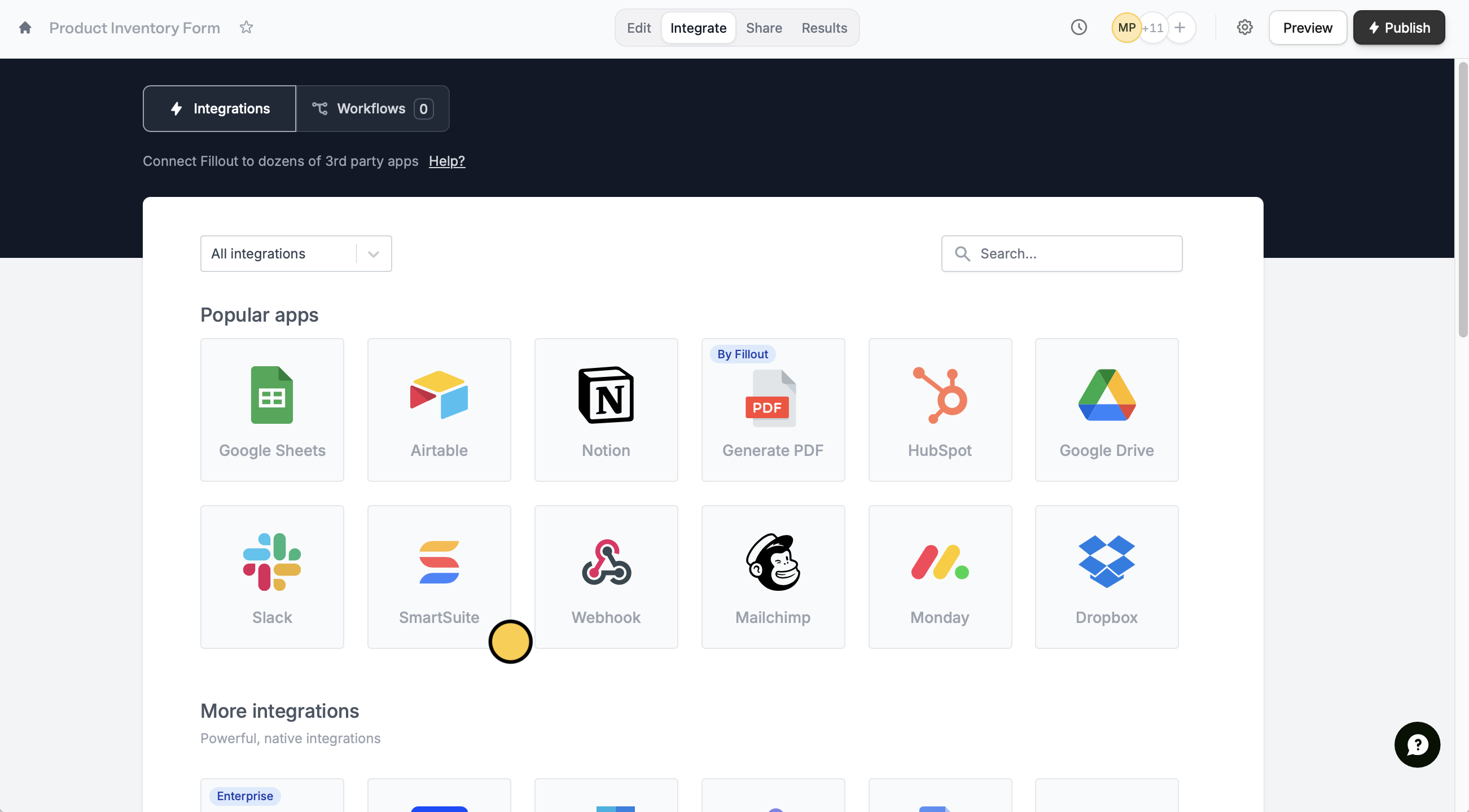
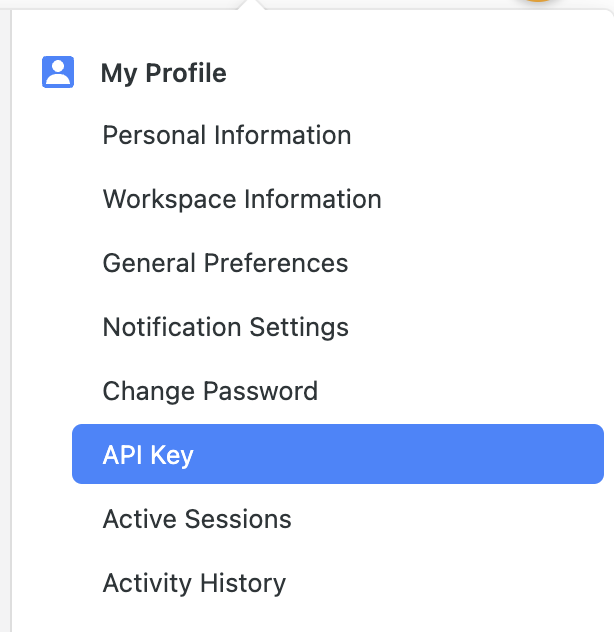

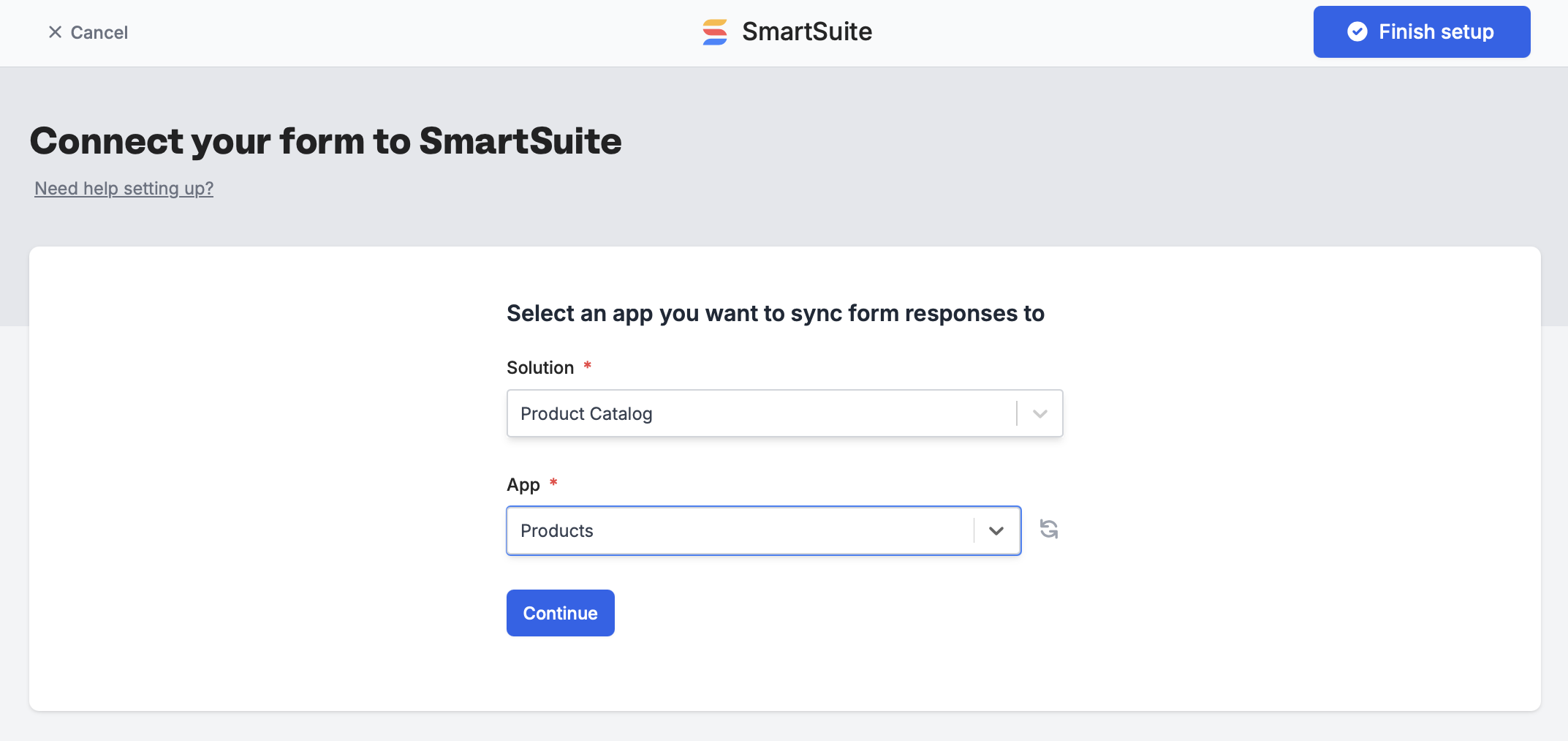
Integrate tab from the top menu, and select SmartSuite.Finish setup.A form can only connect to one database and table at a time. However, Google Sheets is an exception because each new connection creates a new sheet.
2
Map your fields
SmartSuite fields will automatically appear on the left-hand panel. Drag and drop these into your form.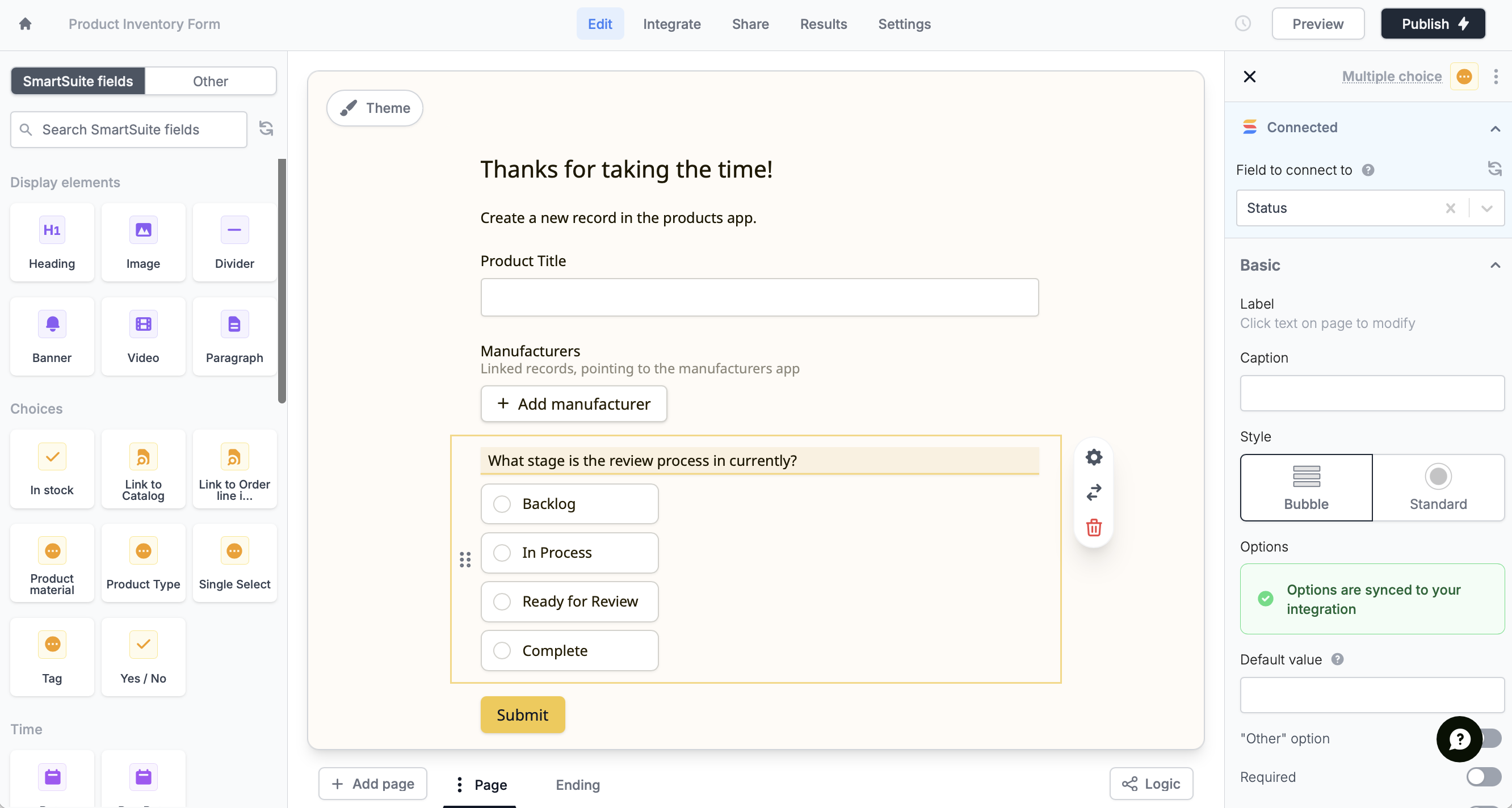
Integrate page.3
Publish and share
That’s it! New submissions will be added as rows in your solution. Click
Publish to make the changes reflect and share or embed your form.SmartSuite feature roadmap
The following SmartSuite fields are not yet supported in Fillout forms, but are on the roadmap: Date range, Signature, Checklist, Social network, Rich text area, Sub-items, Time tracking, User(s), Availability status, Color picker, Full name, Duration, and Cross-solution linksSpecify a condition
You can run your integration only when a specific condition is met. Check out this guide.SmartSuite Specific Guide
Update existing SmartSuite records
Auto-edit records with form submissions.