

What is a Meta Pixel?
A Meta Pixel lets you track user behavior, like when a user opens a webpage. You can add tracking pixels on Facebook business accounts, and then use them in your Fillout forms!This feature is available on Business and Enterprise plans. Learn more about our pricing plans and advanced features here.
How to use pixels in your form
1
Link your Fillout form to Meta Business Suite
Head over to 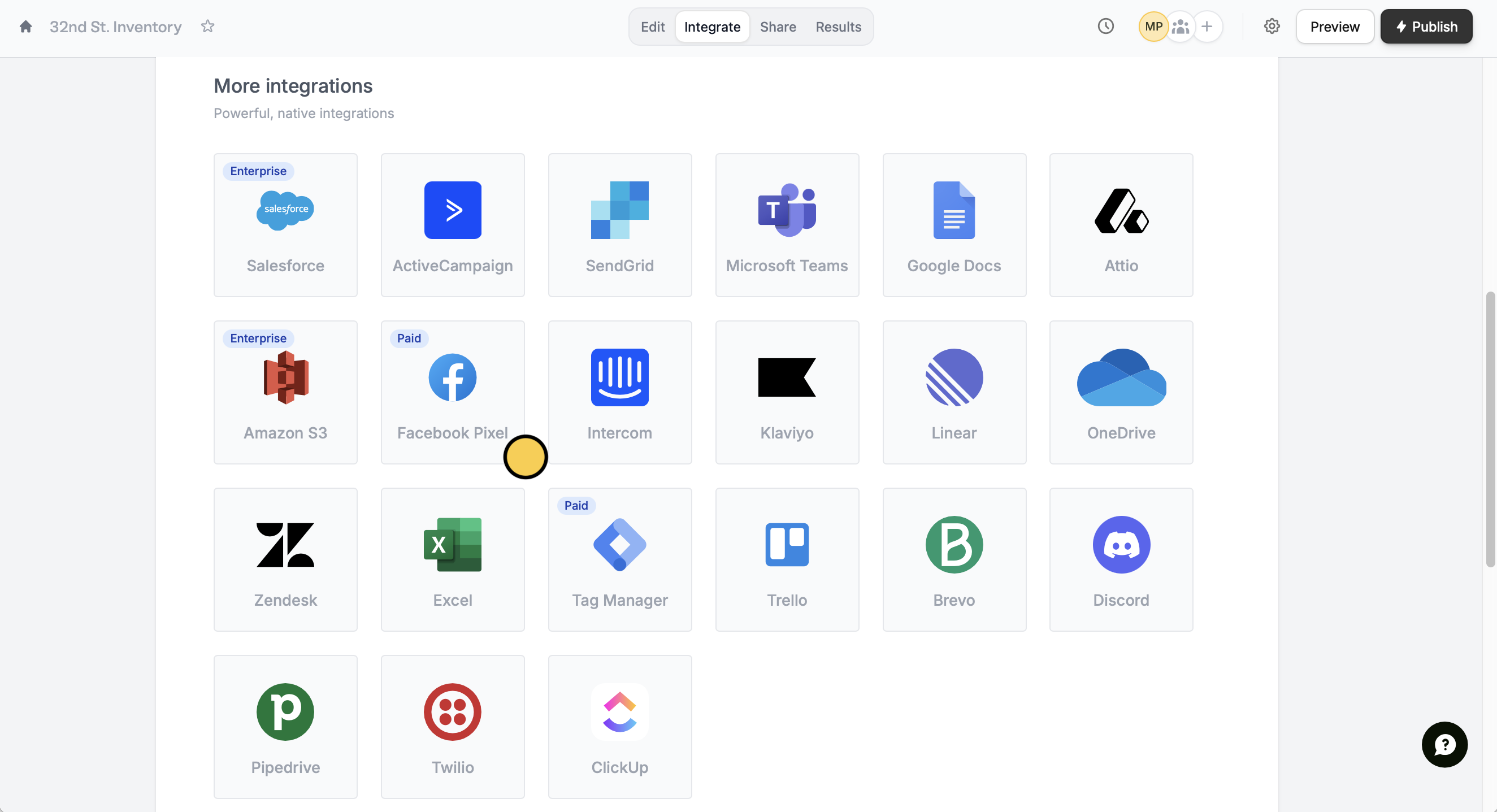
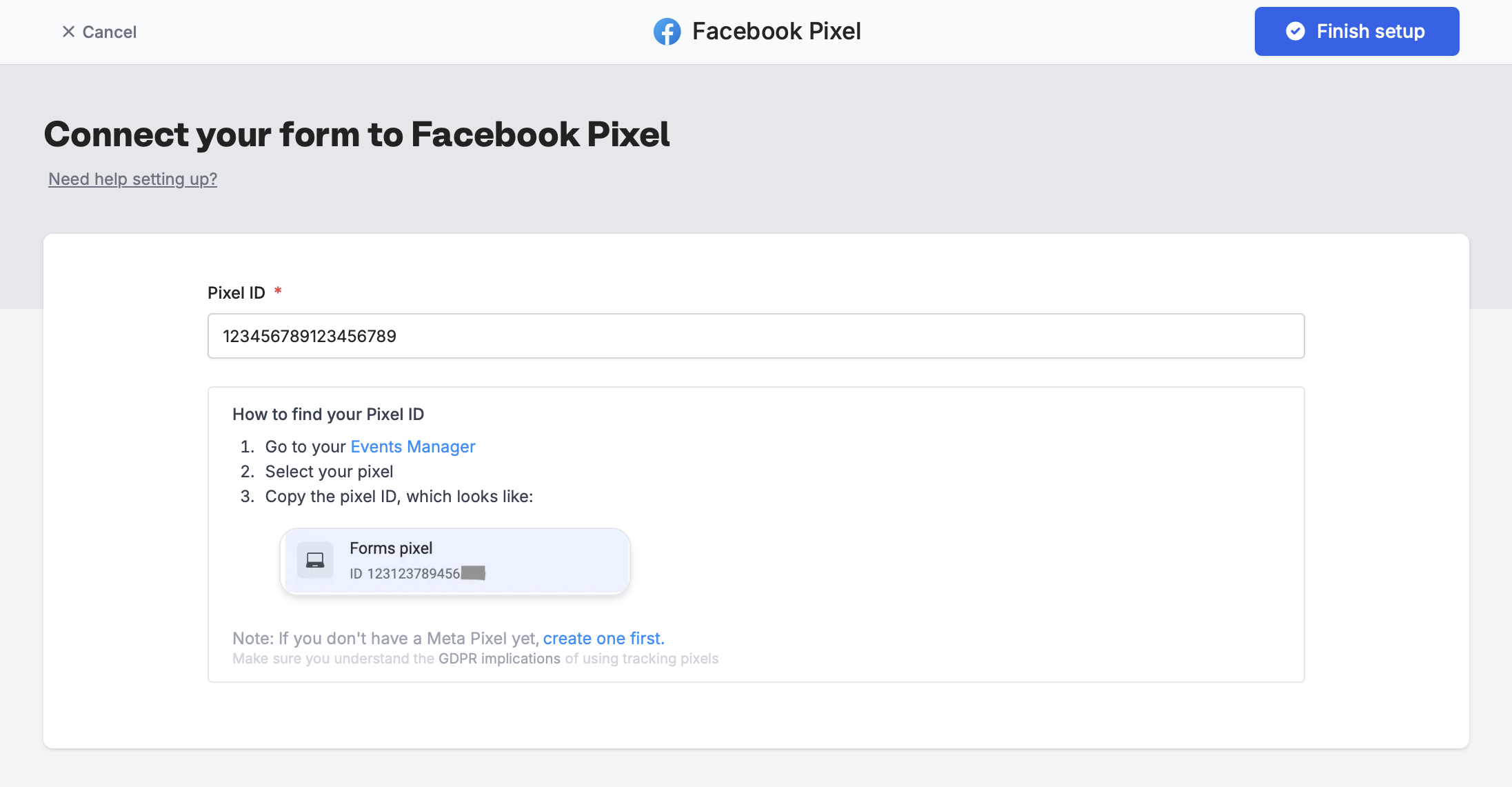
Integrate, and click Facebook Pixel.Finish setup.2
Publish and share your form
That’s it! Click
Publish in the upper right corner.When someone submits your form with your public form link, you will get events in your Events Manager, which look like the image below.How to check event details
On Meta Business Suite, if you click on one of the generated Fillout events (Fillout.FormPageViewed or Fillout.FormSubmitted) you will be able toView details.
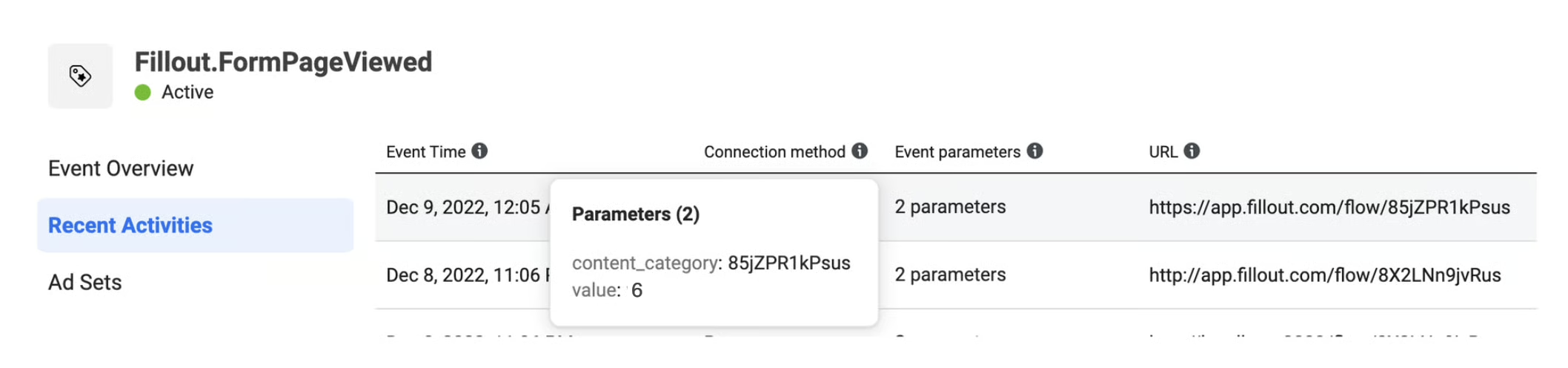
- content_category - the form’s unique ID
- value - the number of the page or step in the form that the user viewed (e.g., if the user was on the 6th page of the form, the value sent would be “6”)
It can take between 2 to 5 minutes for new events to show up in your Events Manager.
Other similar integrations
Track conversion data in Google Ads
Use email, GCLID, address, and more.
Track data with Google Tag Manager
Check conversions and ROI through responses.