

Video tutorial
Auto-redirect to another form
Go to your form’s Ending page and clickNew form in the left-hand panel. Then, select the new form you want to redirect respondents to in the dropdown. Forms in the Trash aren’t listed there.
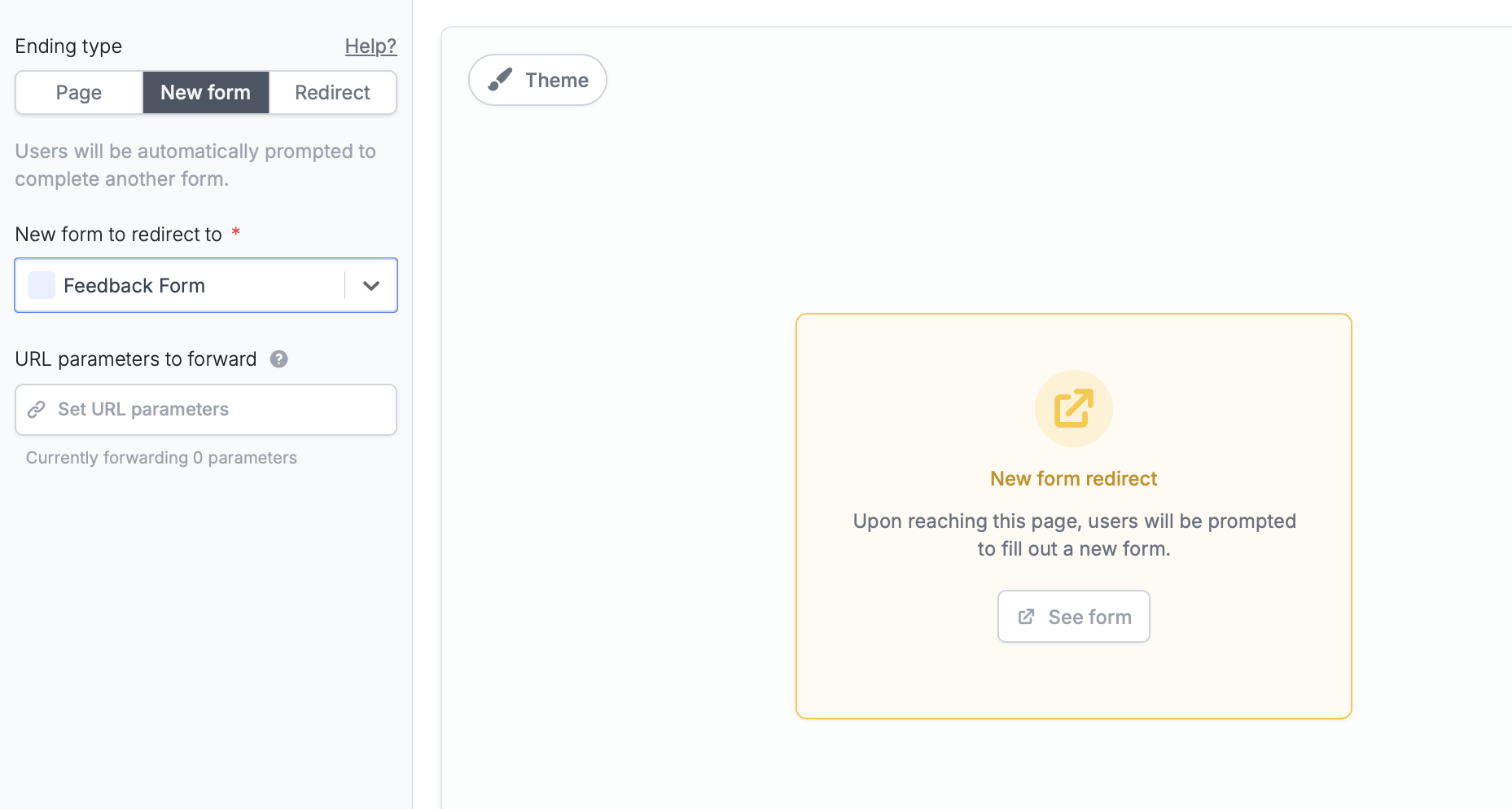
Pass data between forms with URL parameters
OptionallySet URL parameters to pre-fill data in the new form. For example, a respondent’s email from the current form can automatically appear in the new form so they don’t have to type it again.
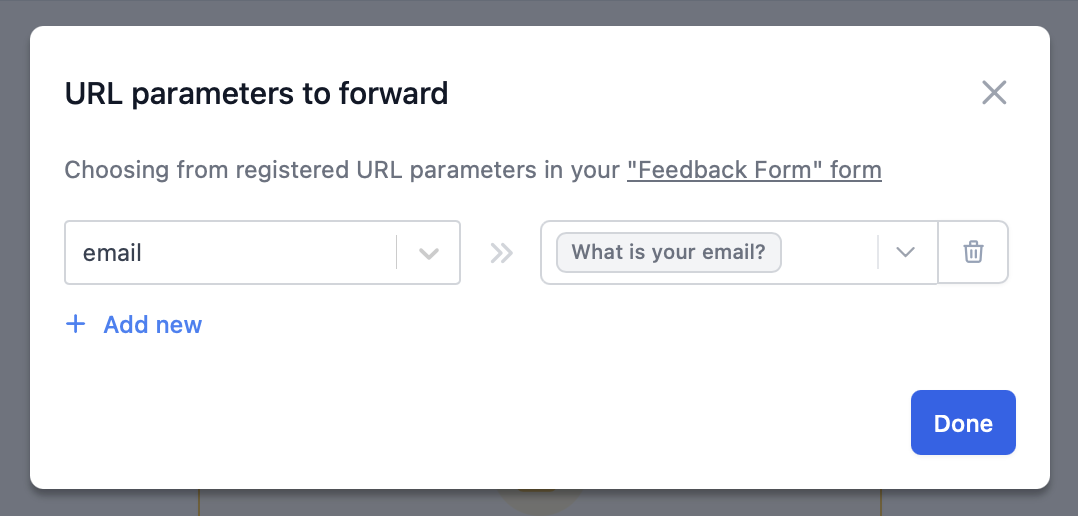
+ Add new in the popup to set a URL parameter.
That’s it! Make sure to Publish both forms when you’re ready to go live.
Allow re-submission
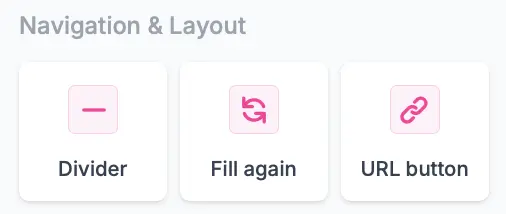
On your form’s Ending page, drag and drop aFill again button from the left-hand panel.
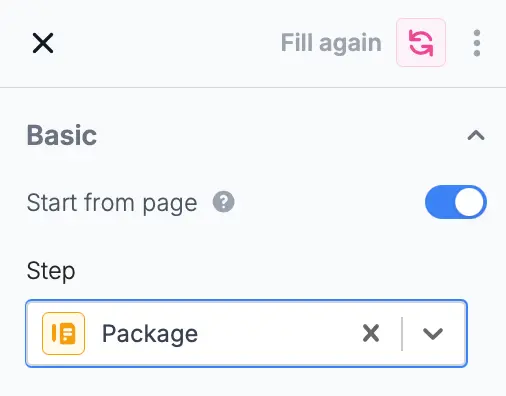
Start from page switch in the right-hand panel.
Related articles
Ending page
Show a thank you page, redirect, or allow re-submission.
URL Parameters
Pass URL parameters to your embeds to track data.
Form parameters
Share data between forms with URL parameters.