

How to import forms
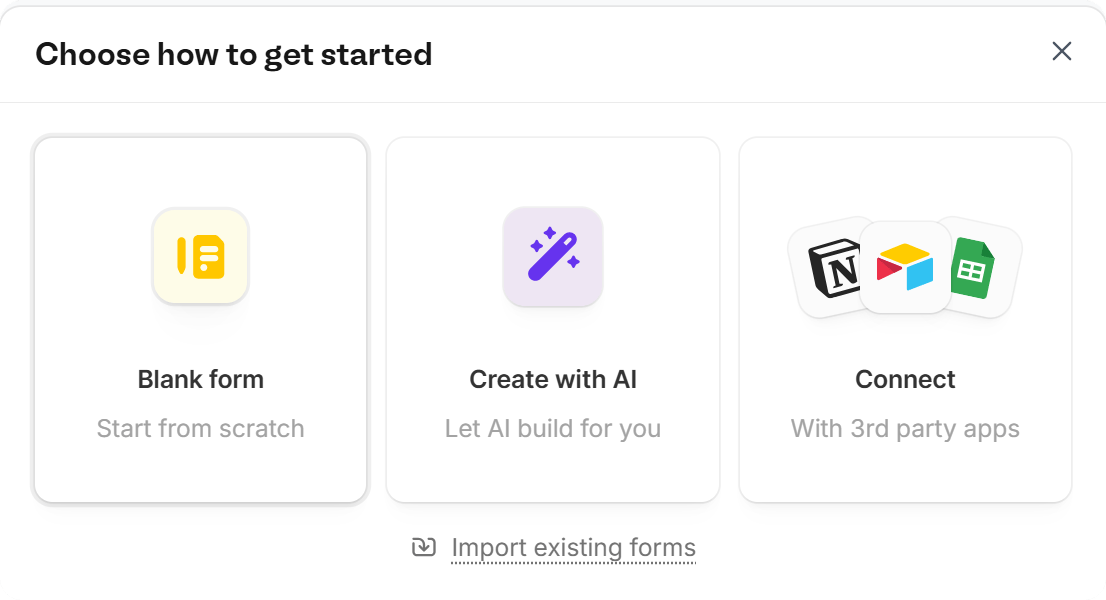
On your Home page, clickNew in the lower right, then select Form. In the popup, click Import existing forms.
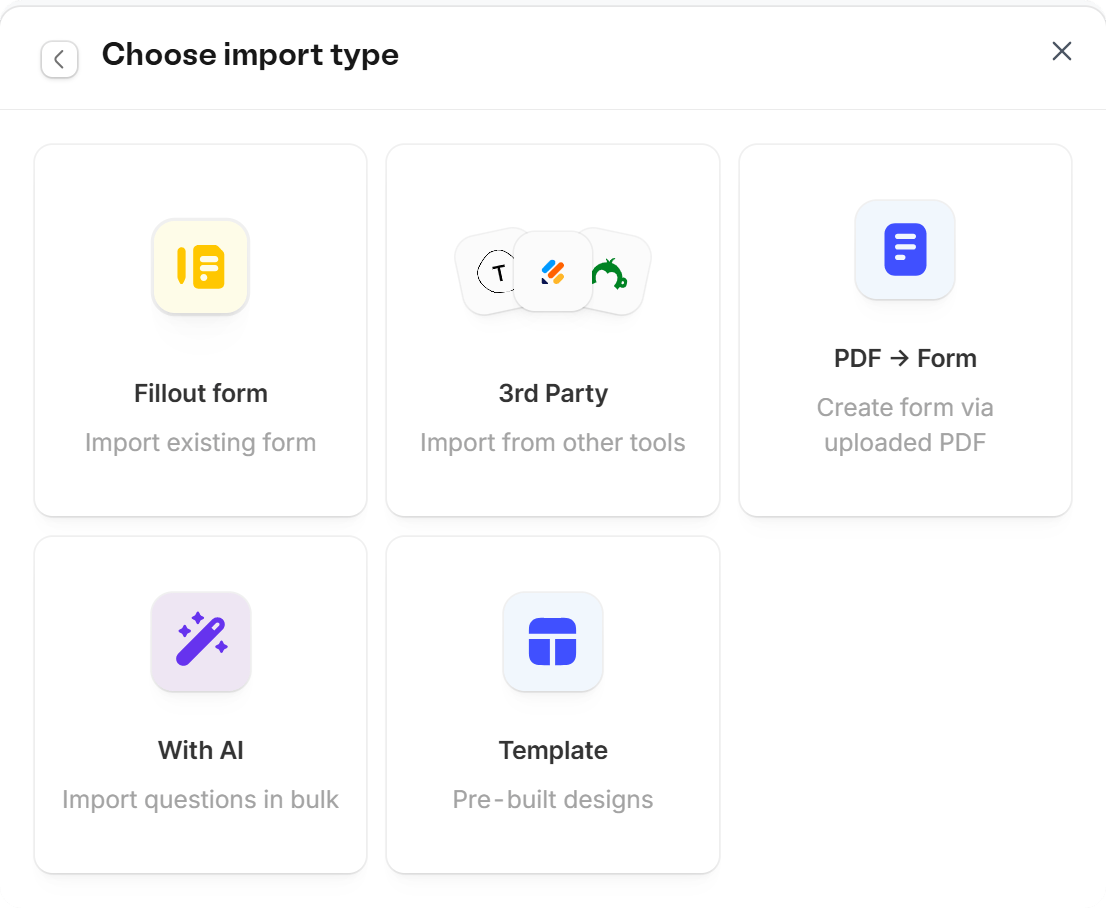
Import Fillout form
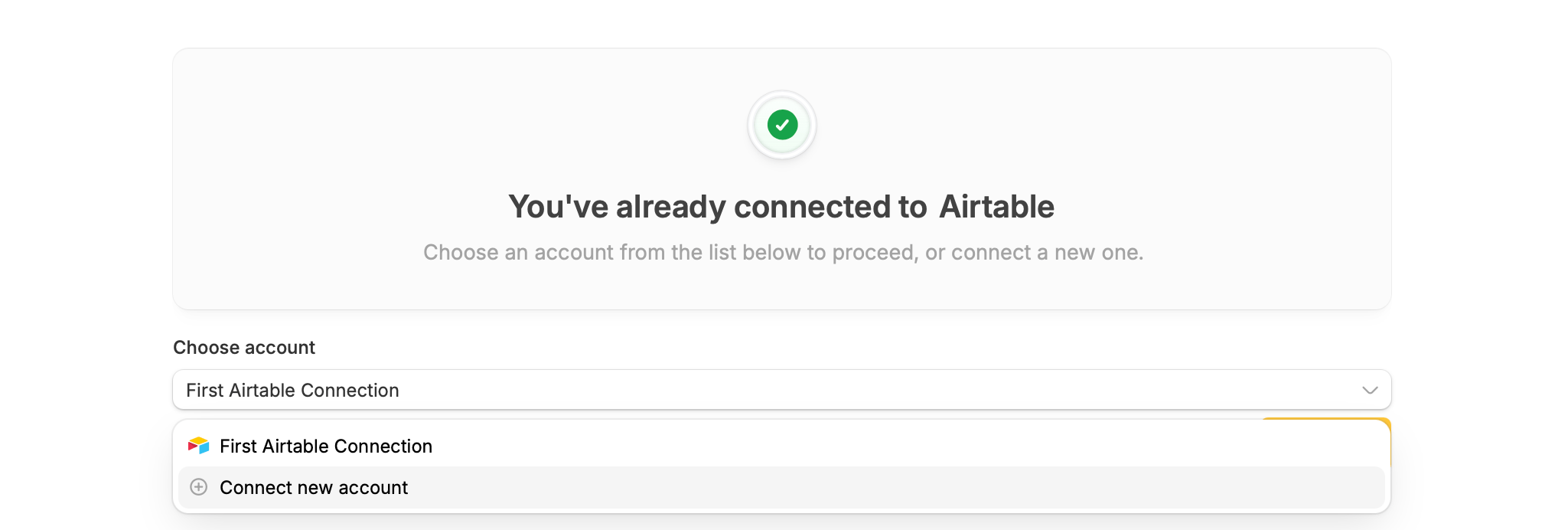
Choose this option if you have an exported Fillout form that you want to import into your account. This is useful when you need to reuse a form created in a different organization. The imported form will include the form structure, such as questions and fields, but submissions from the original form will not be included. Update connections (if necessary) If you’re importing a form that has a connection to Airtable, Notion or another integration, be sure to reconnect them after importing. In theIntegrate tab on top, + Connect new account.
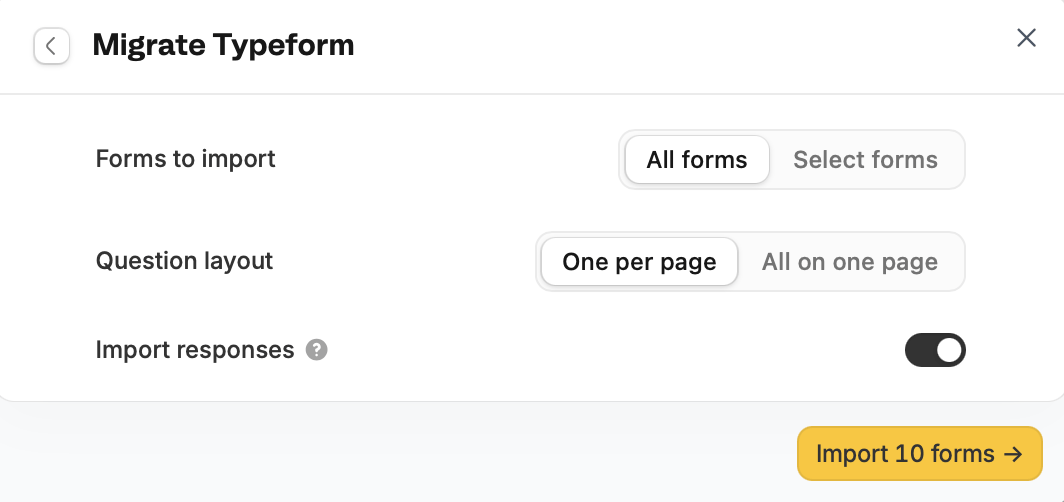
Migrate forms from Typeform, Jotform, SurveyMonkey, or Google Forms
Fillout lets users import existing forms from these 3rd party tools. The editor will read the forms as is and import the structure as is, including labels, multiple-choice options, workflows and email notification settings including recipients. Other items, like backend settings, aren’t included. Typeform questions that allow several answers are imported as Checkboxes fields, so respondents can pick more than one option. If a form you imported earlier has a single-choice Multiple choice field instead, import it again or replace the field with Checkboxes. After connecting the tool, choose to importAll forms or Select forms only.
Convert your PDF into a form
You can simply upload a PDF, and Fillout will automatically convert it into an editable form.Use AI
Import your questions in bulk, and Fillout will automatically turn them into form fields. Learn more about creating forms with AI.Start with a template
You can use pre-built designs as a starting point for your new form.Export a form
You can share your form as a template for your team or others to use. From the Fillout dashboard hover over the form to be exported and click theellipsis icon followed by Export form.
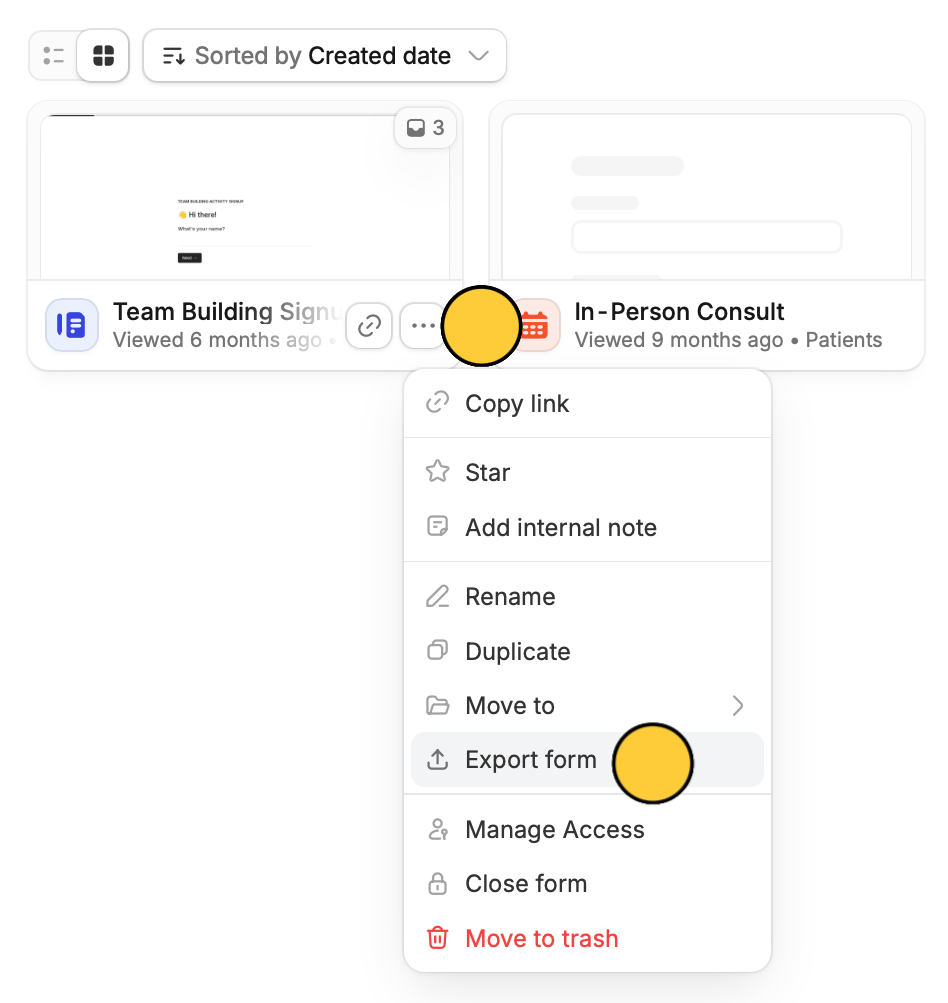
Exporting forms does not include submissions and comments received.