

How it works
1
Switch your form to update mode
Open your SmartSuite-connected form. Click 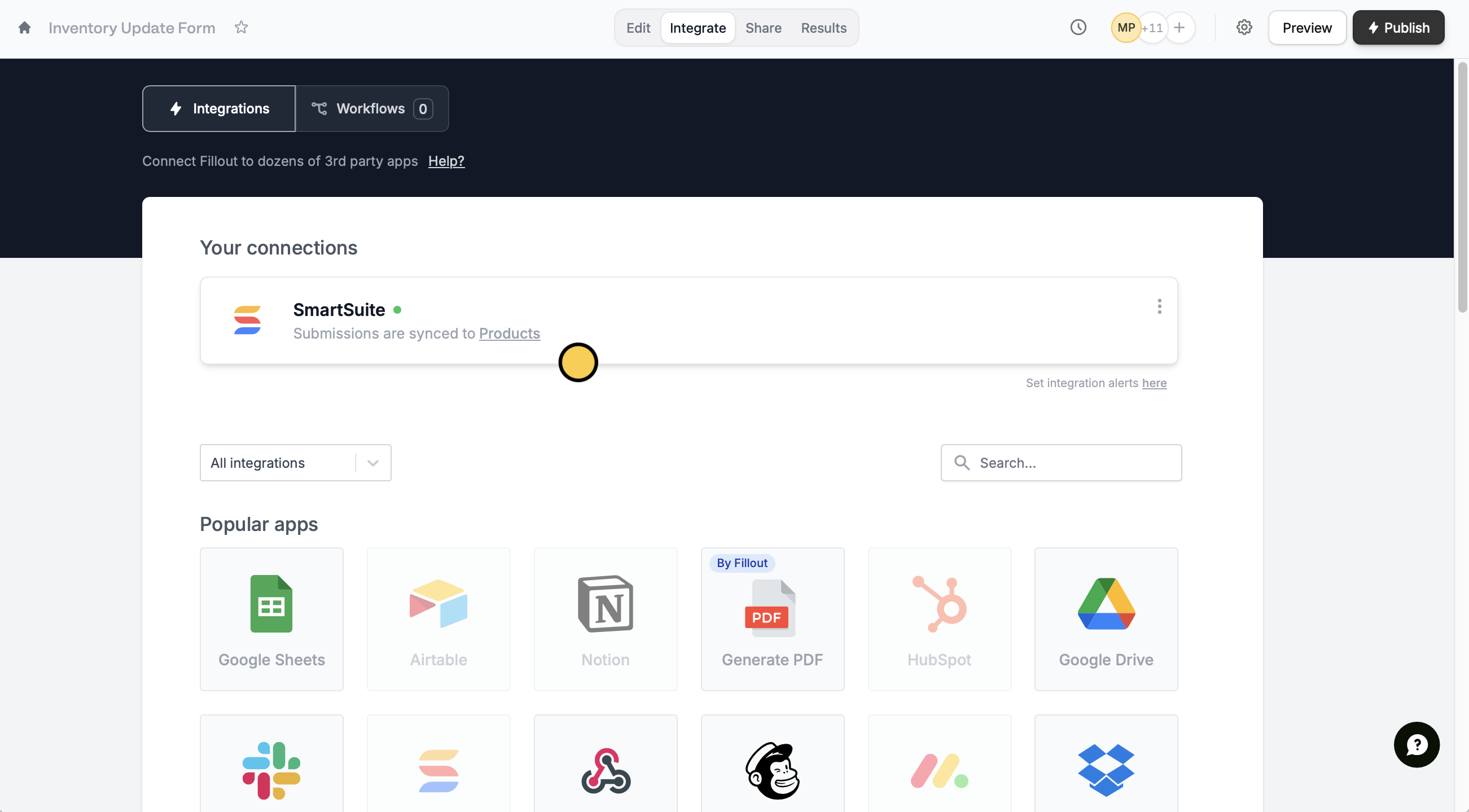
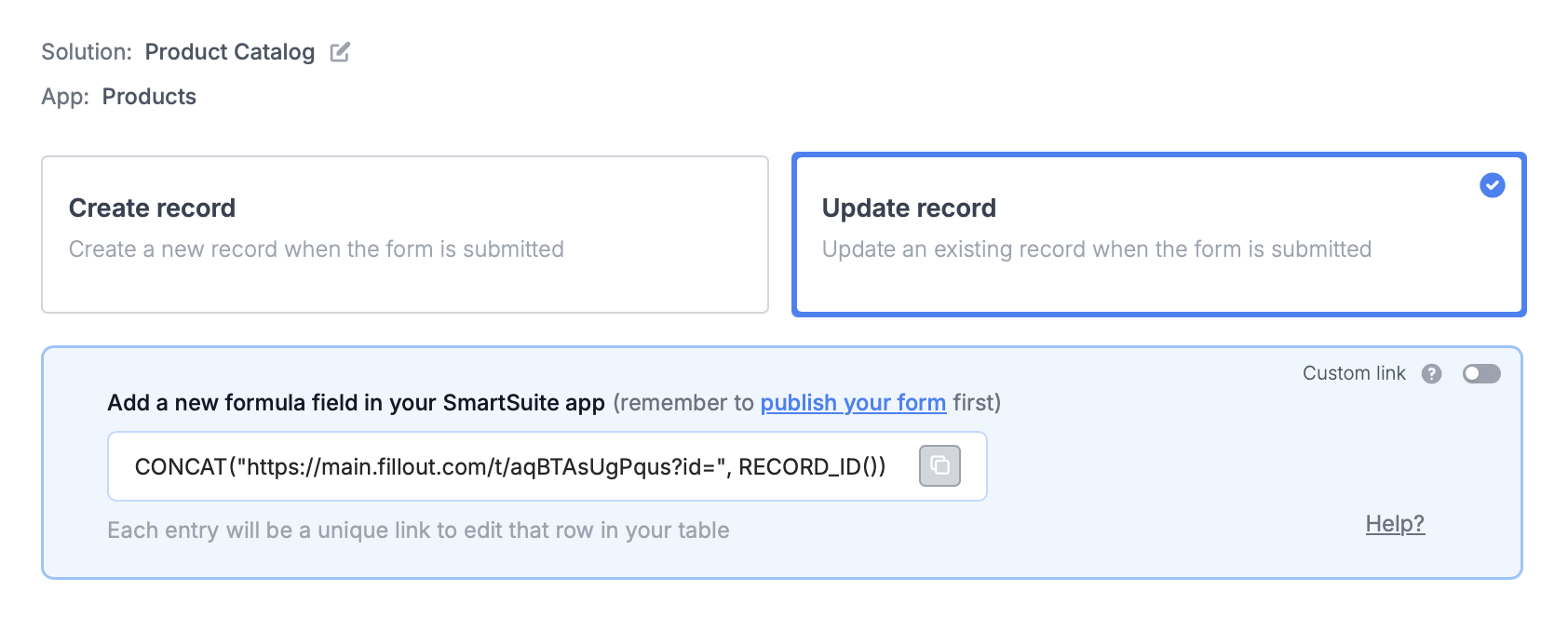
Integrate followed by SmartSuite.Update record.2
Paste the provided formula
You’ll now get a formula that defines a unique link for every record in your table.In SmartSuite, create a new 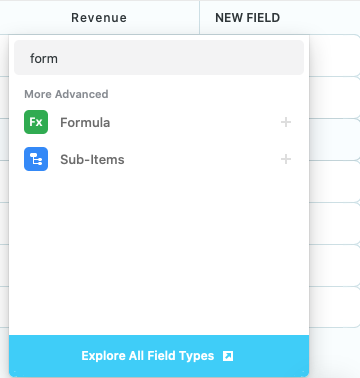
formula field and paste the formula Fillout provides.3
Publish and share
That’s it! Click 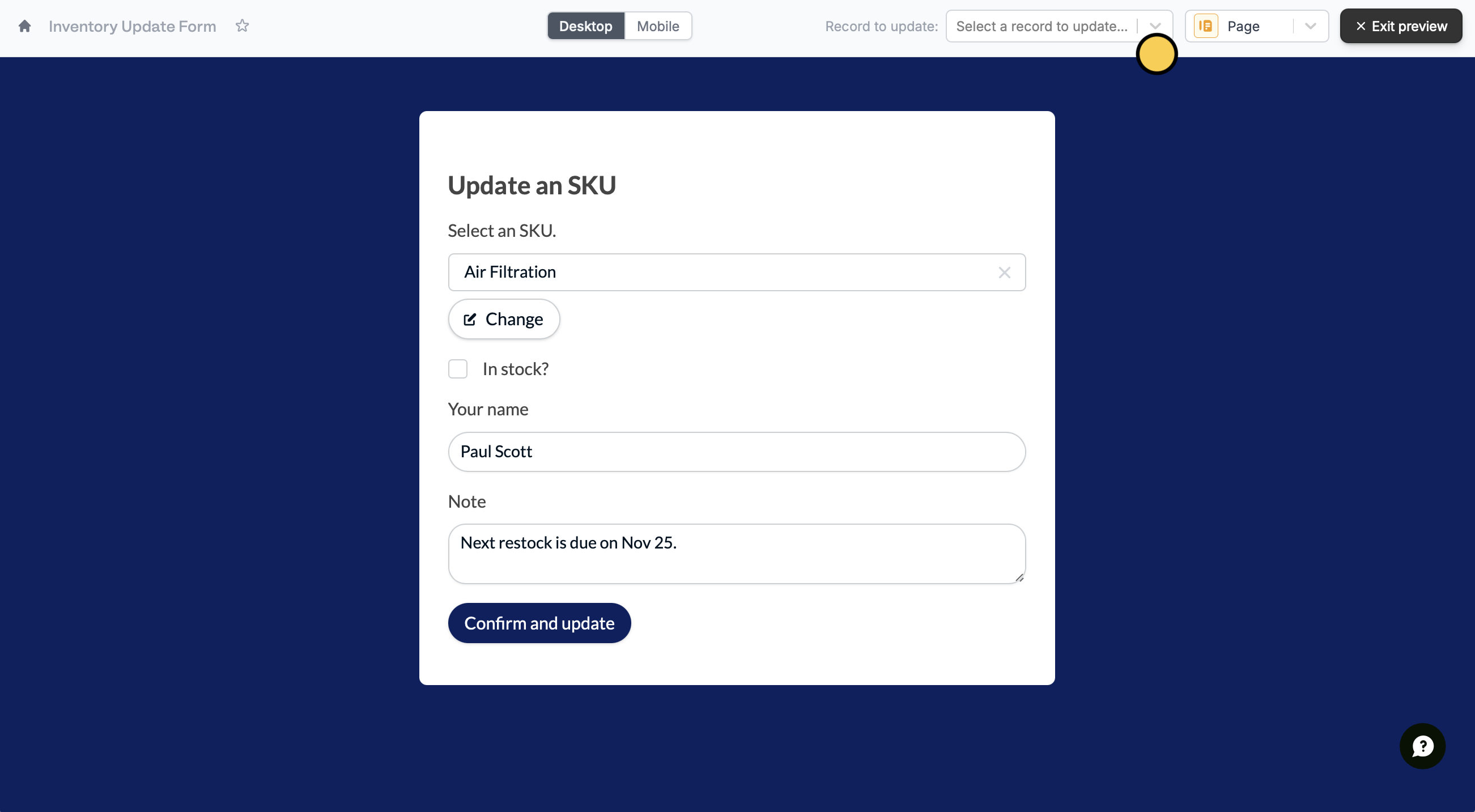
Update on the upper right corner and Publish your form.To update a SmartSuite solution, click Preview and select a Record to update or click one of the unique links from SmartSuite.SmartSuite specific guide
Create a SmartSuite form
Add responses to a SmartSuite solution.