

Overview
Tables can be used to collect structured information in bulk across different field types. Common use cases include:- Collecting an order list
- Requesting an expense breakdown
- Creating a staff directory
How to insert a table
1
Add a table field
On the left-hand panel, look for the 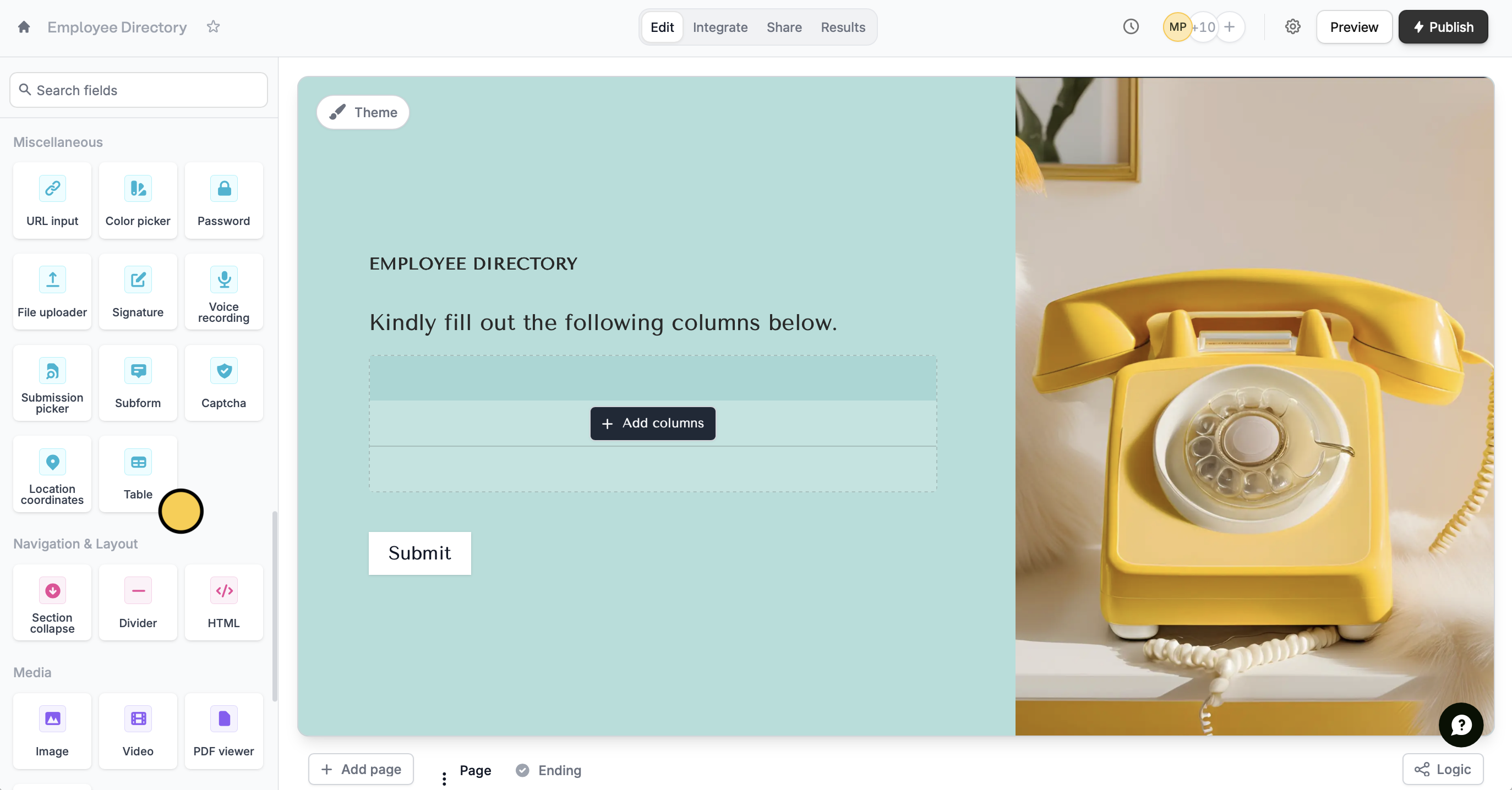
Table field. Click + Add column to ask a question or request information.2
Choose your field types
Choose from 5 different field types: short answer, email input, date picker, dropdown, and number. The email input field will only accept valid email addresses.Reorder the columns by dragging them in the right-hand panel.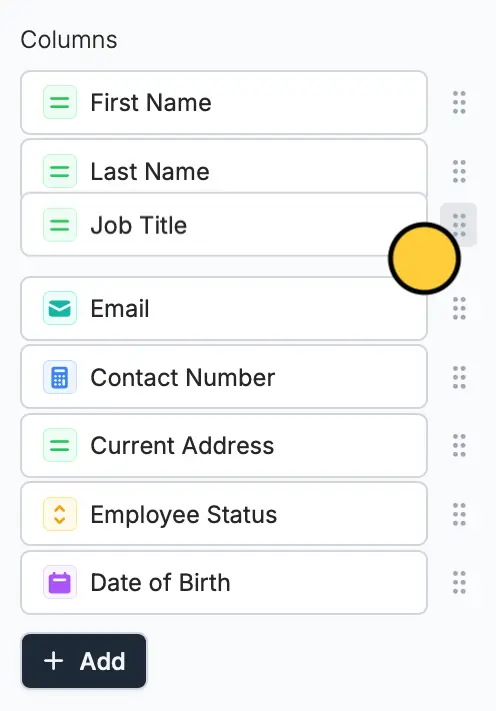
3
Reference the table (Optional)
You can also reference the table field by typing @ and selecting it from the choices.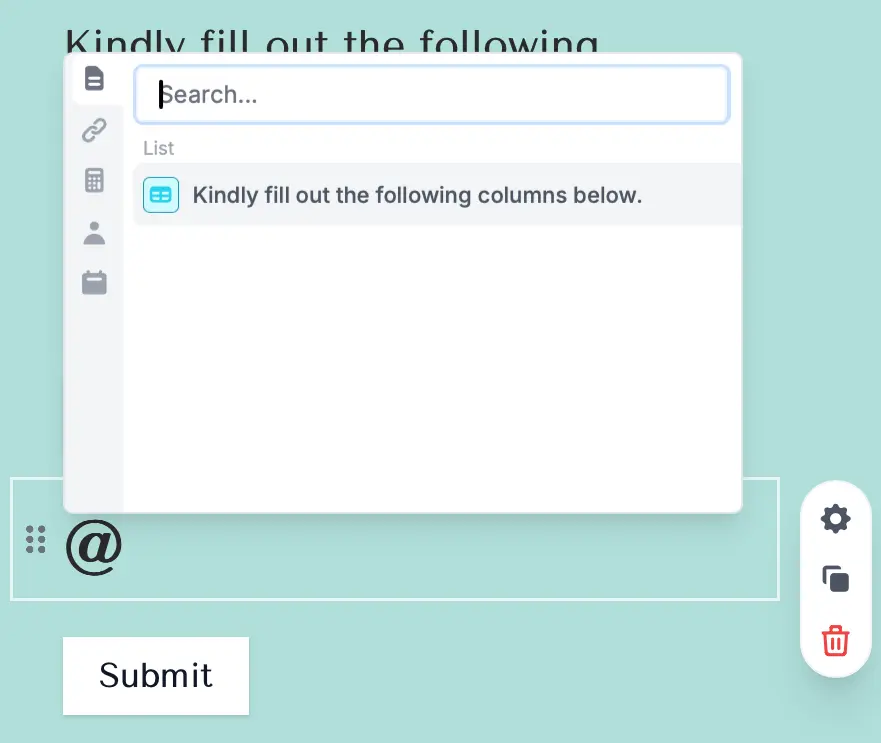
4
Publish and share your form
Click 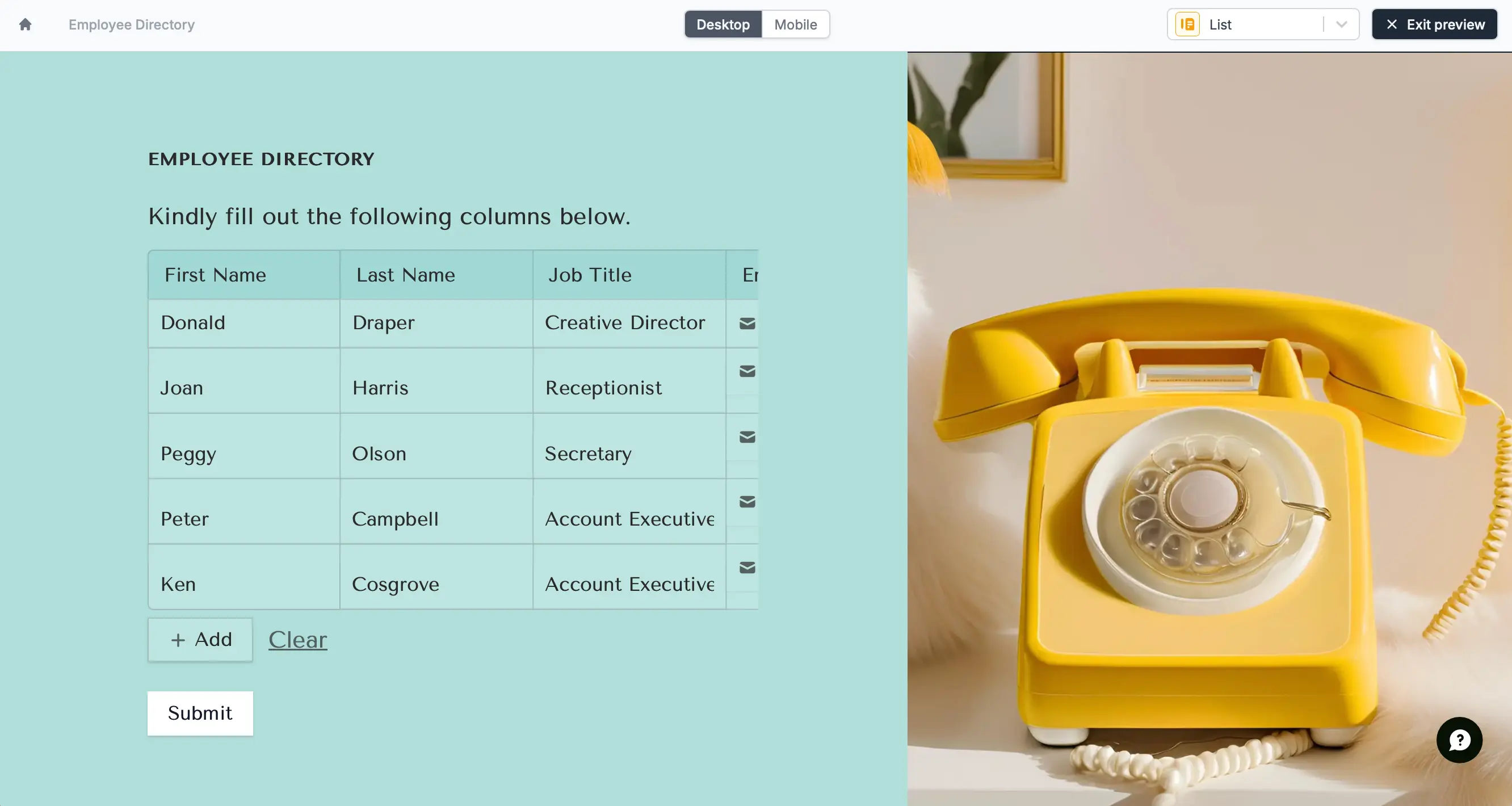
Preview in the upper right corner to test your form. Respondents will be able to quickly add more rows as needed. Once everything is set, click Publish to make your form live.Table vs choice matrix
With a table, you can add different types of question fields, such as text, numbers, or dropdowns. In contrast, a choice matrix is limited to using only radio buttons for tasks like rating, comparing, or selecting options within a grid.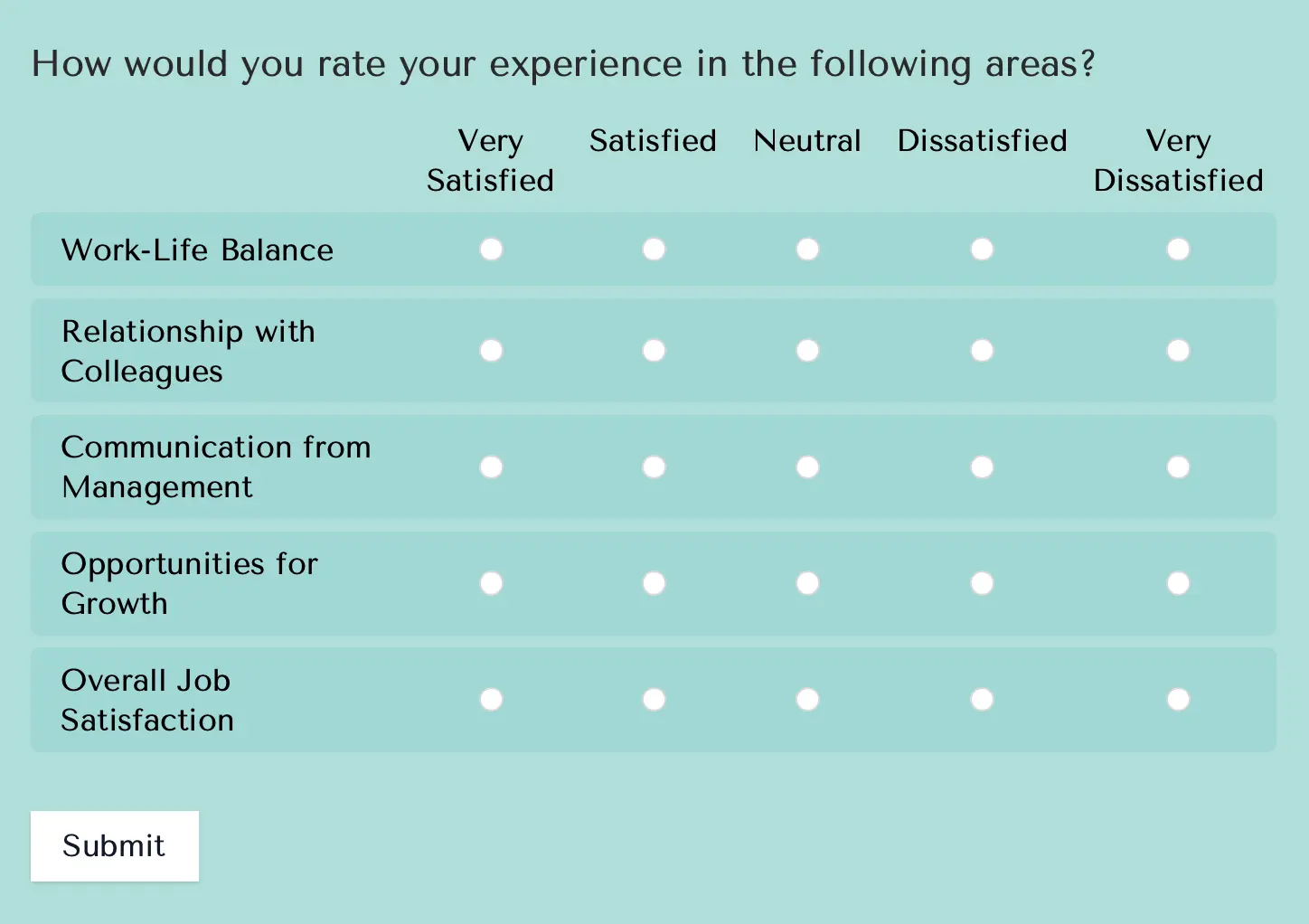
Relevant articles
Choice matrix
Collect a grid or table of selections from respondents.
Multi-column forms
Display questions side by side, rather than stacked vertically.