

How to put a submission picker
1
Add a submission picker field
On the left-hand panel, click 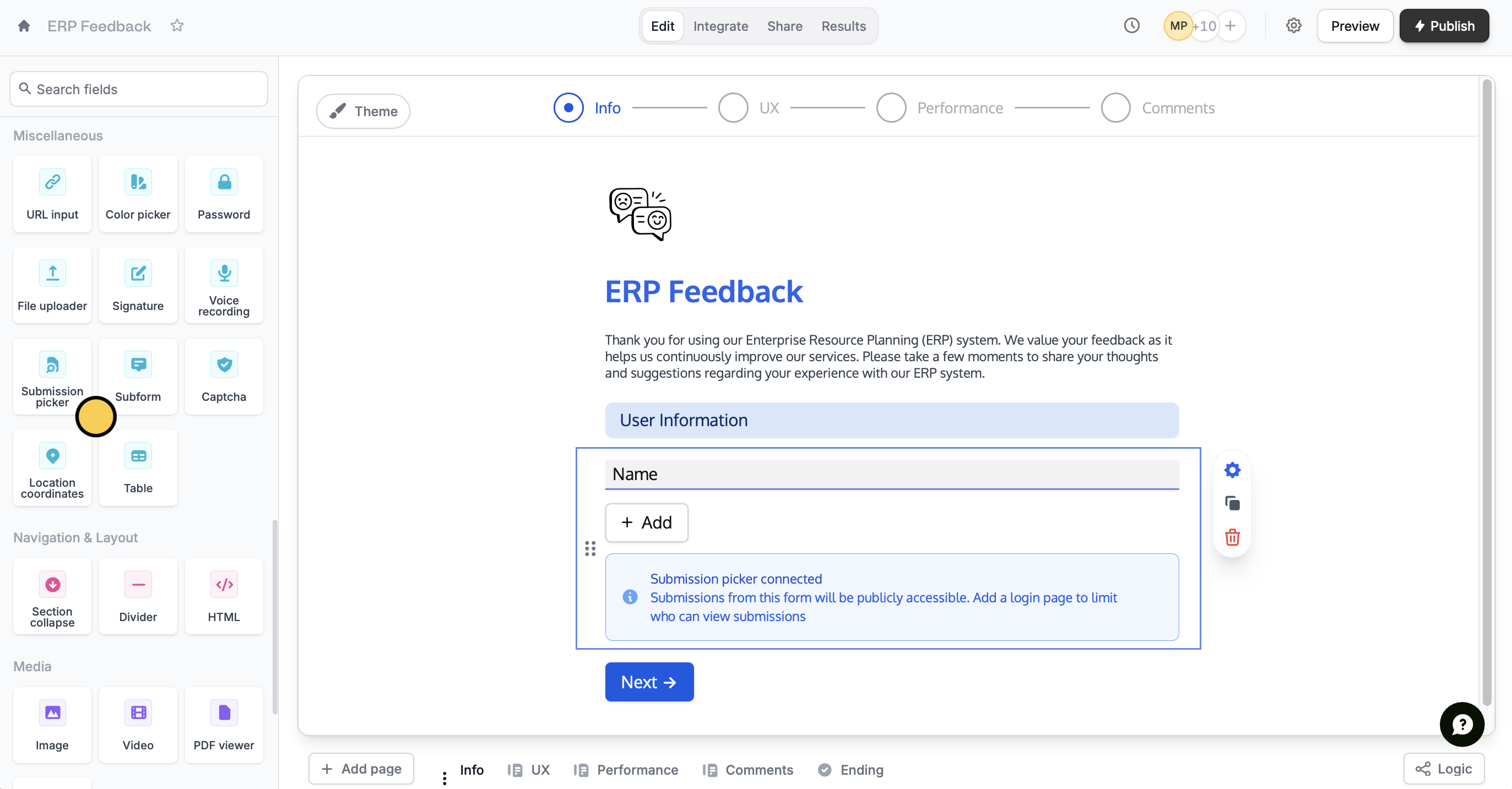
Submission picker. Then, key in your question or instruction.2
Link forms
Click the field’s 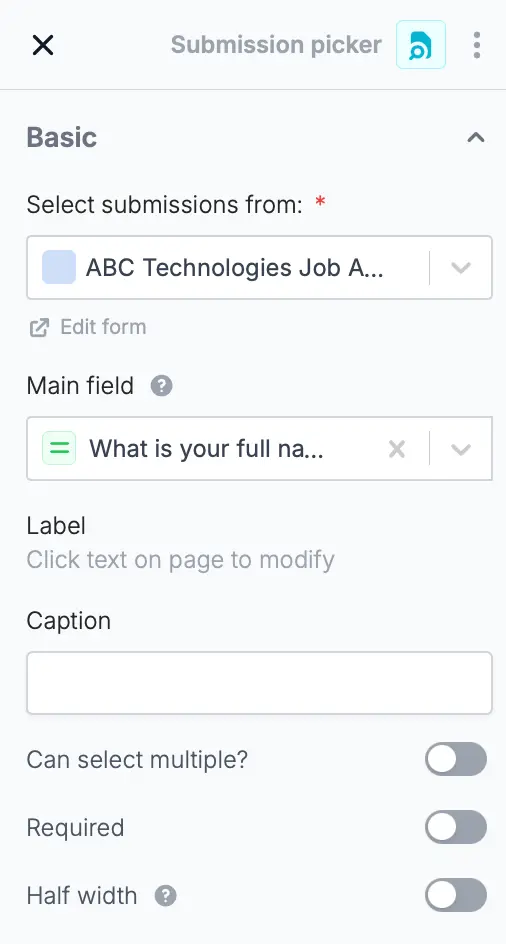
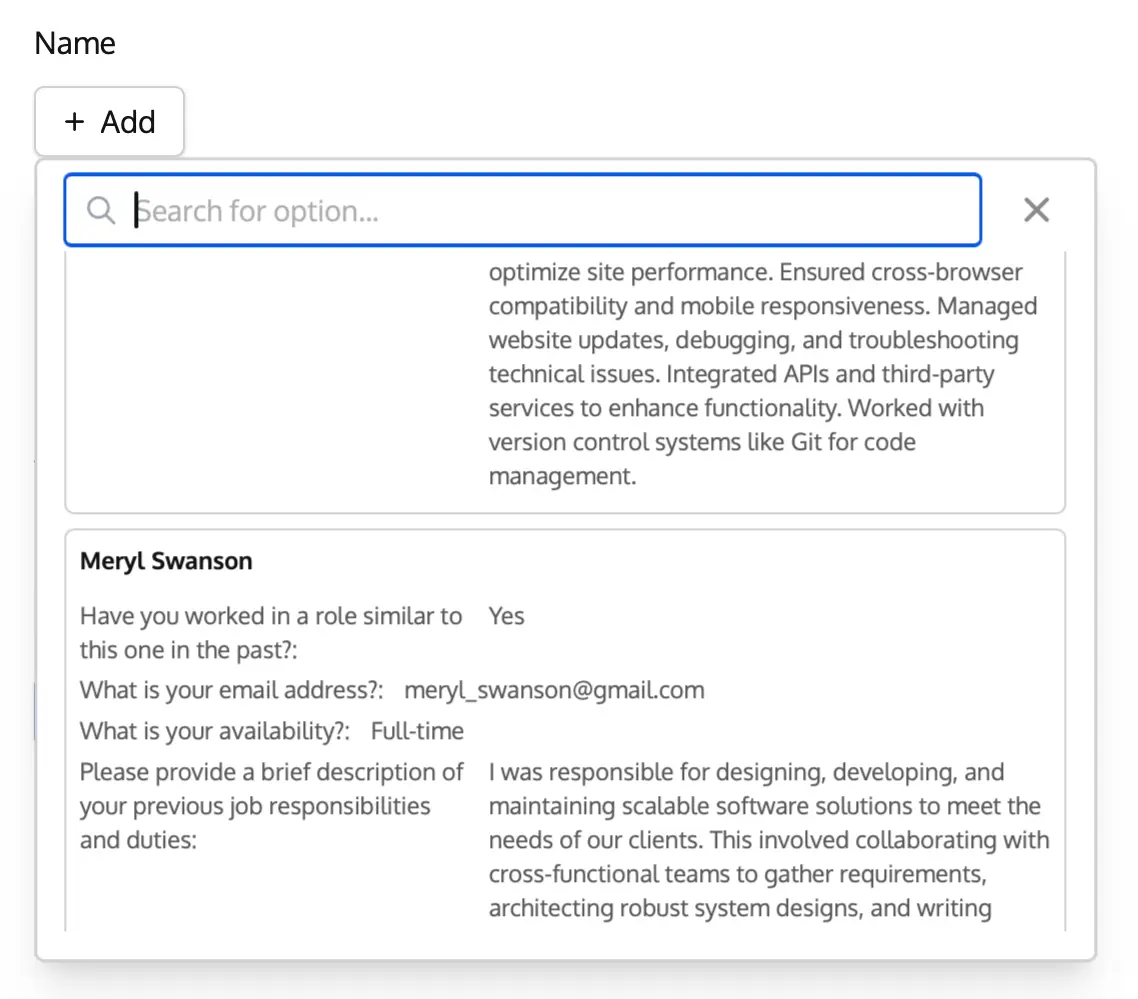
settings icon to open the right-hand panel. Under Select submissions from, choose an existing form you would like to link your new form to.Forms in the Trash aren’t listed here. If a picker goes back to showing
Select form, its source form has usually been moved to the Trash.3
Let respondents add entries (Optional)
You can also give respondents the option to fill out the subform from scratch, without selecting an existing submission, by enabling the 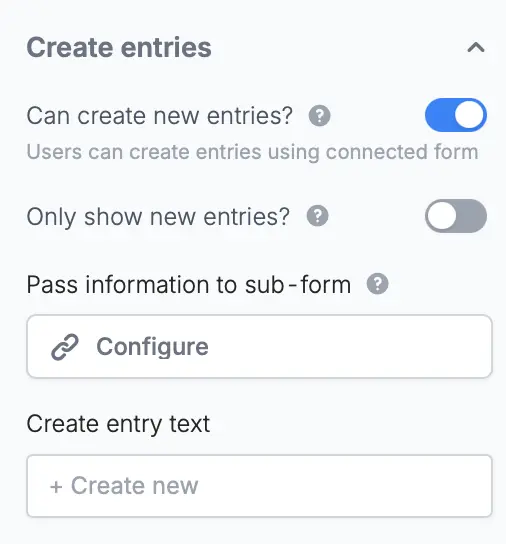
Can create new entries? toggle on the right-hand panel.4
Publish and share
That’s it!
Preview your form to test it. Then, Publish and share your form.Related articles
Subforms
Collect repeated data with compact nested forms.
Login page
Require respondents to verify their email, key in a password, or use SSO.