

What is Salesforce?
Salesforce is a cloud-based platform that provides customer relationship management (CRM) software solutions to help businesses manage and analyze customer interactions and improve sales and marketing efforts.Video tutorial
How it works
1
Connect your form to Salesforce
On the form editor, click 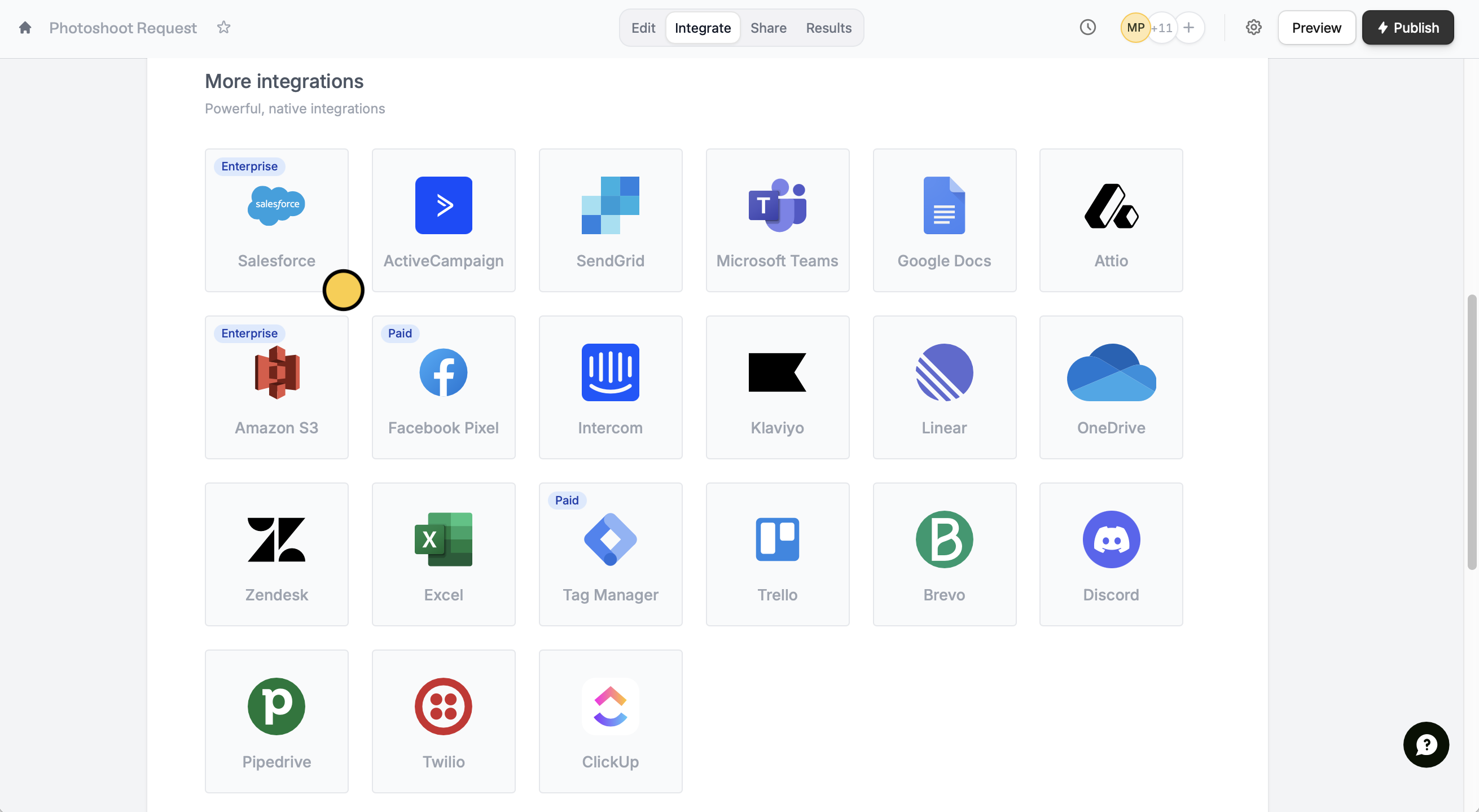
Integrate on the top menu followed by Salesforce.Connect to Salesforce to sign in with your Salesforce account. Then, choose an object where you would like to store responses.A form can only connect to one database and table at a time. However, Google Sheets is an exception because each new connection creates a new sheet.
2
Map your form fields
After finishing the setup, Salesforce fields will automatically appear as Fillout fields on the form editor. Simply drag these to your form from the left-hand panel.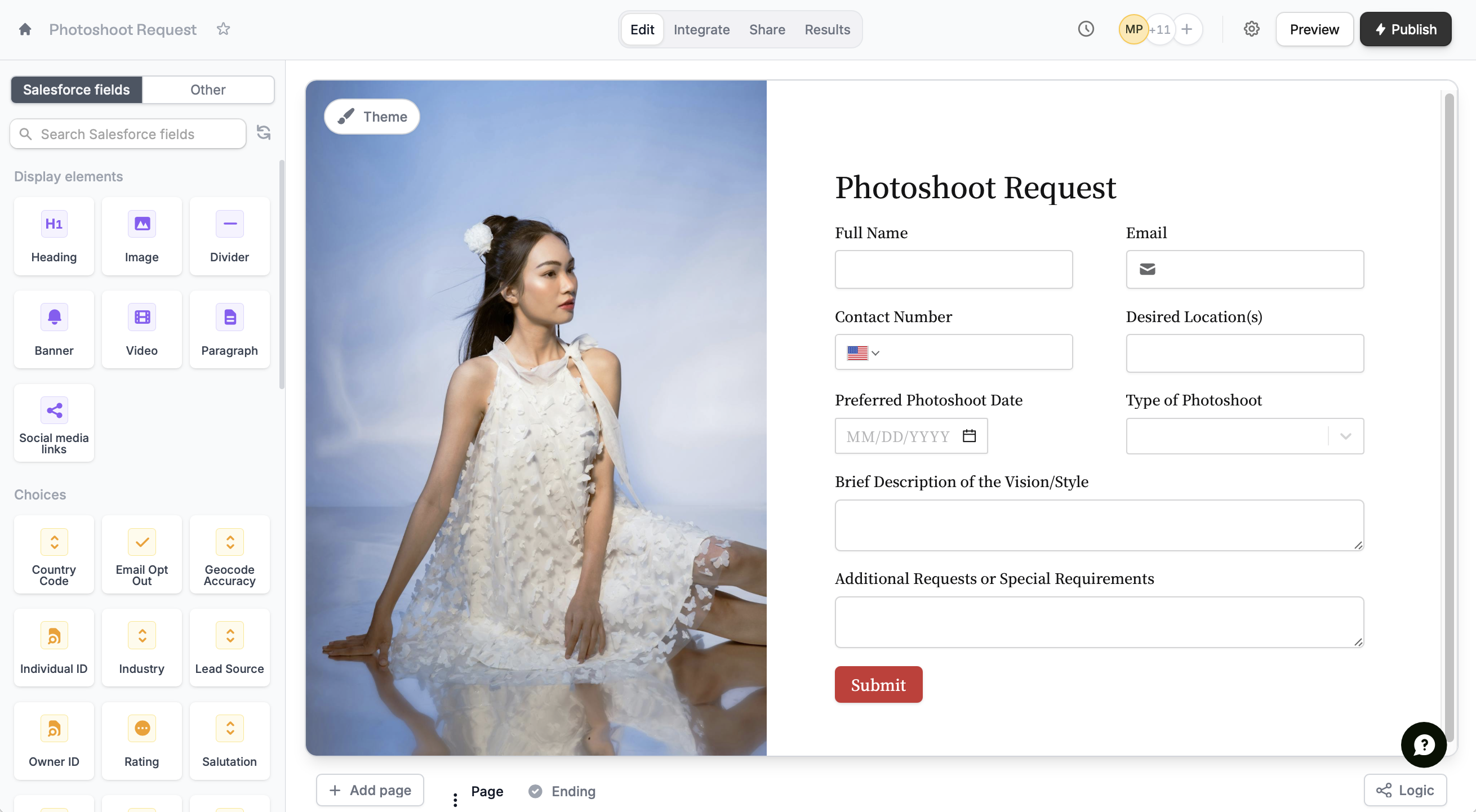
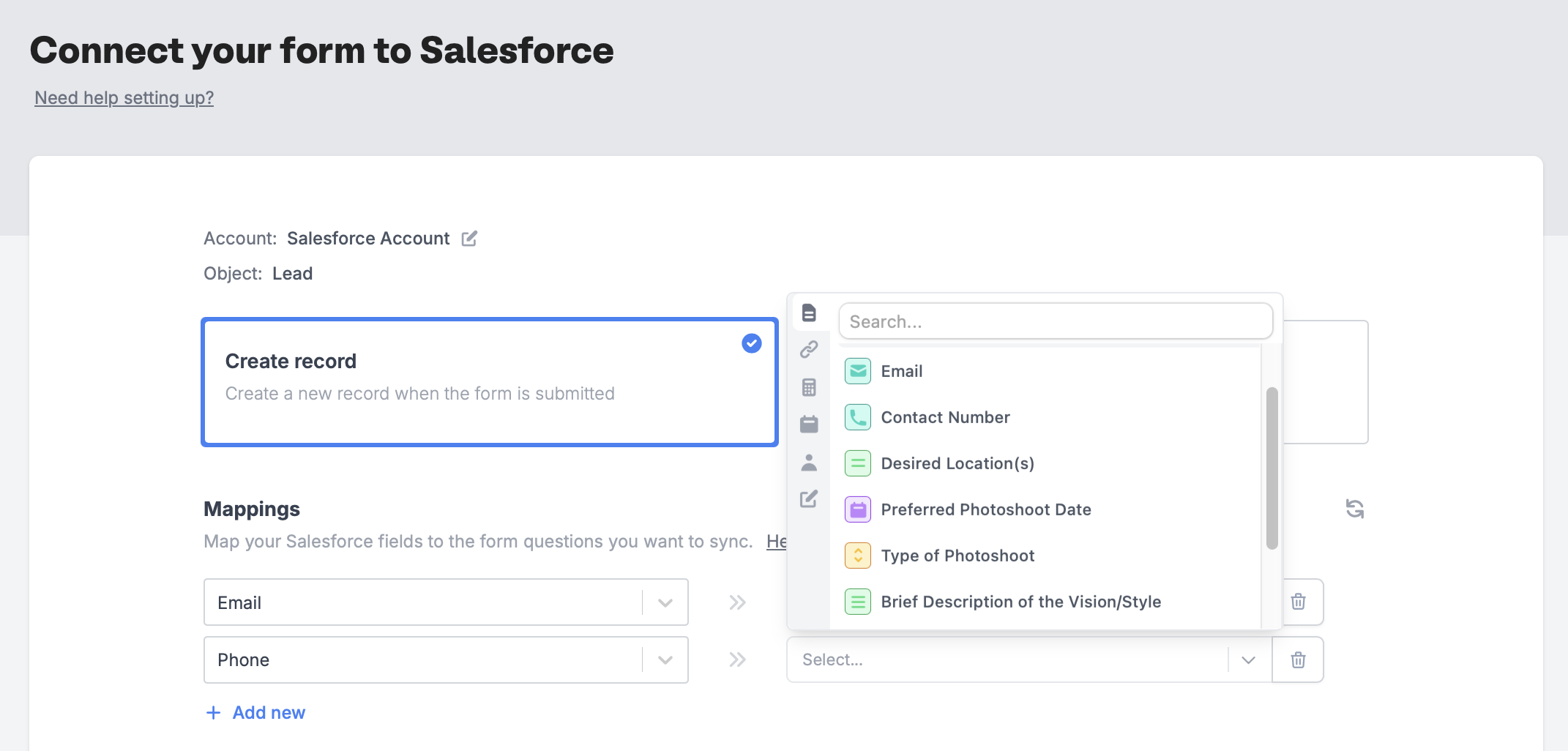
Integrate page and manually map them. + Add new Salesforce field on the left and select the corresponding Fillout field on the right.3
Publish and share
That’s it! Click
Publish in the upper right corner and share your link. Form responses will now automatically populate inside your Salesforce database.The Salesforce integration is available on the Team and Enterprise plans. On any plan, you can connect Salesforce and set up your form, but you need the Team or Enterprise plan to publish it. Learn more about the Team plan.
Connect to a Salesforce sandbox
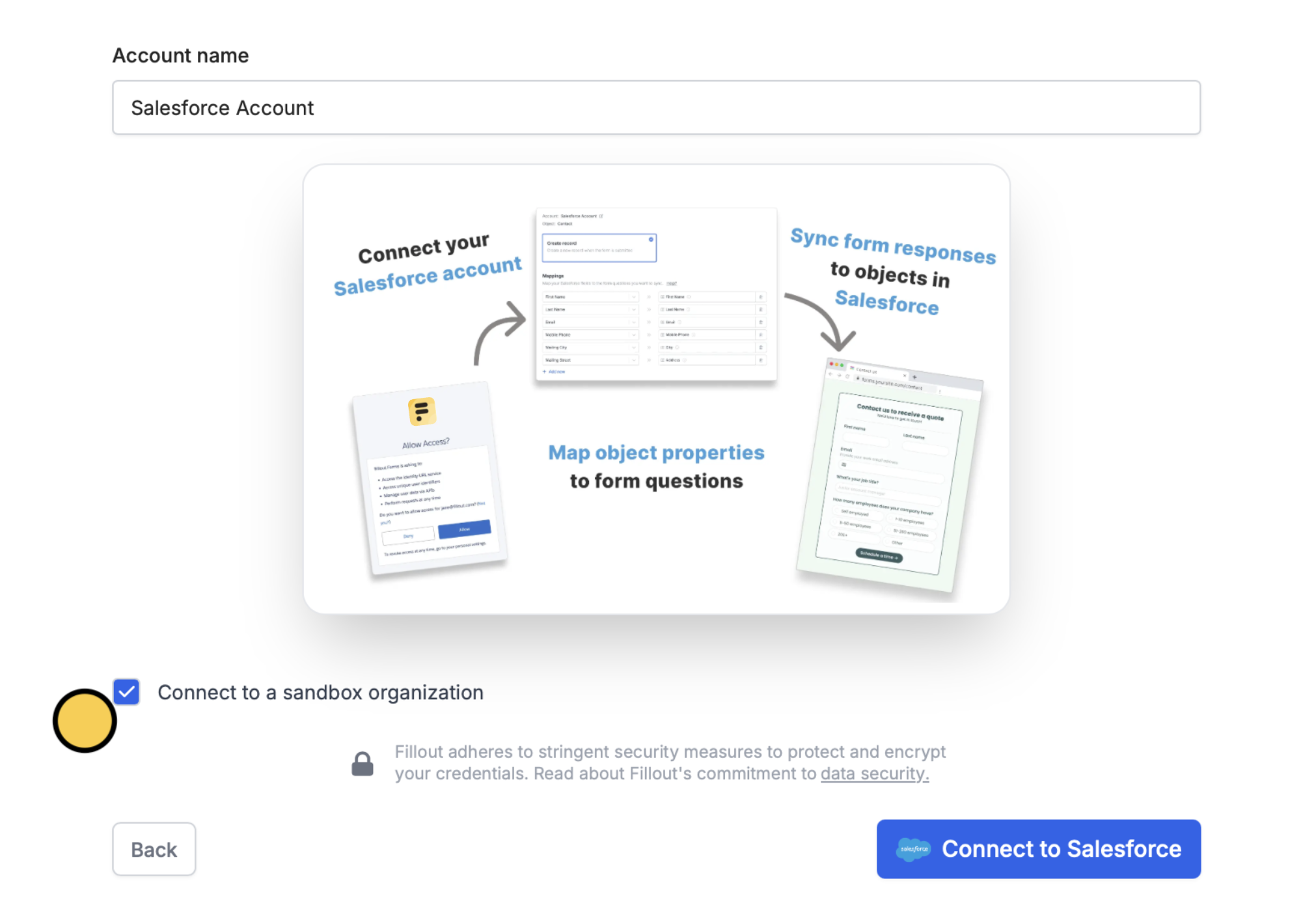
After selectingSalesforce, tick the Connect to a sandbox organization checkbox. Then, Connect to Salesforce.
IPs to whitelist
If your Salesforce organization restricts IP addresses for 3rd party app connections, you’ll want to whitelist the following IPs:Update records from a form
You can also create a form that pre-fills with Salesforce data and updates an existing record when submitted. Check out this guide.Related article
Update Salesforce records
Edit existing records and pre-fill fields.