

How to change the theme
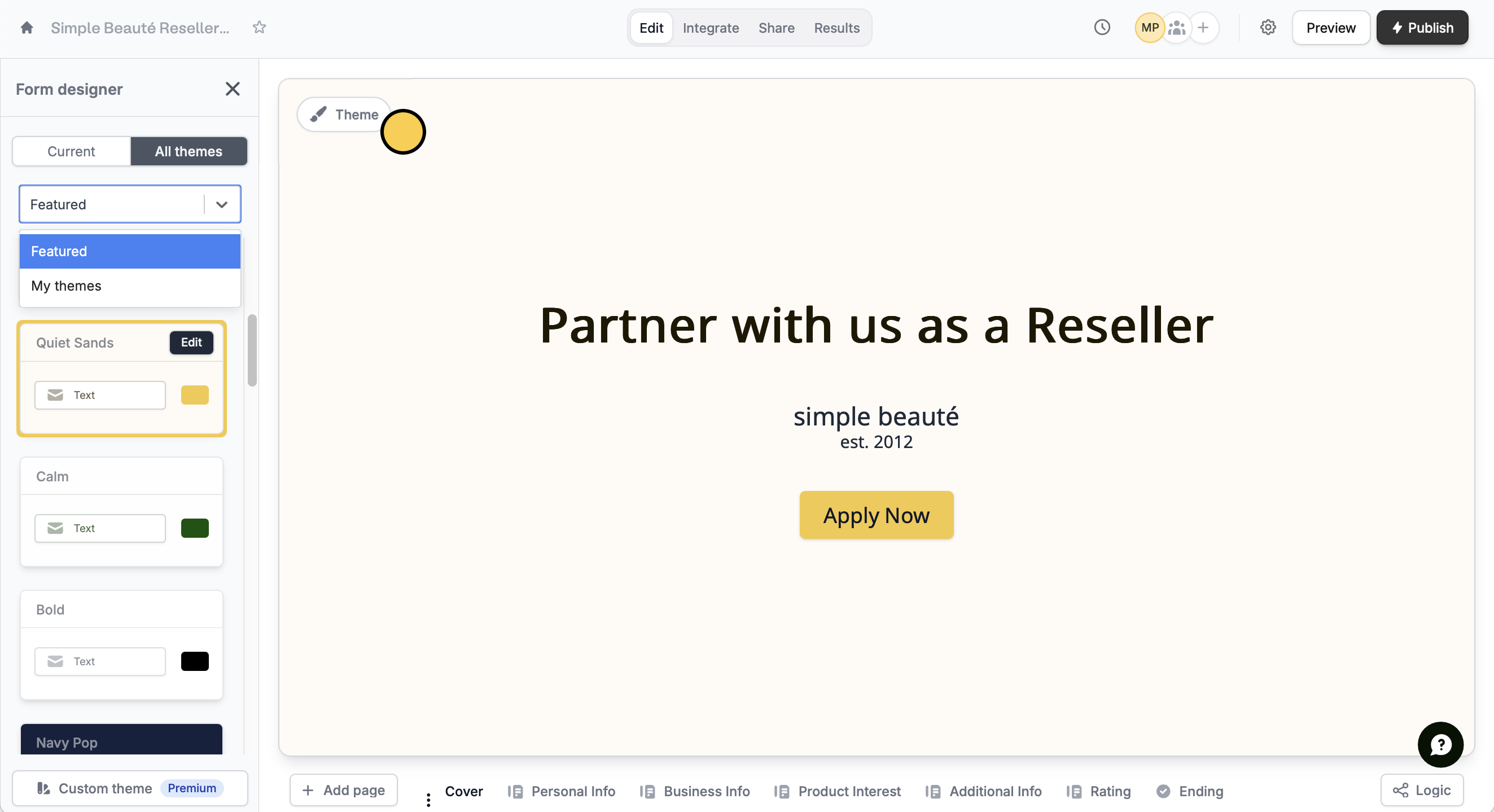
ClickTheme to open the Form designer. In the left-hand panel, select a Featured theme or a design from My Themes, where your other form designs are auto-saved.
Create a theme with AI
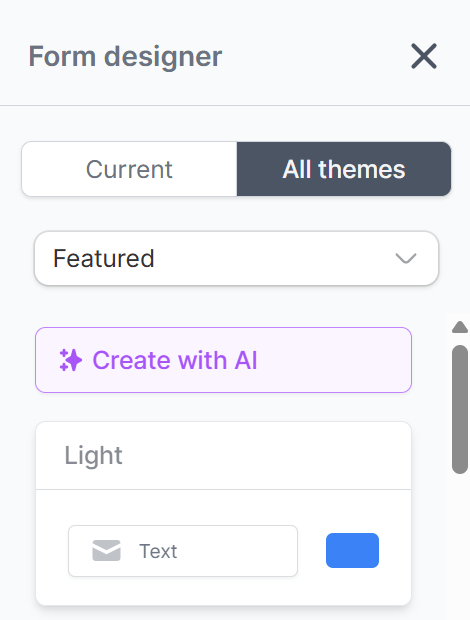
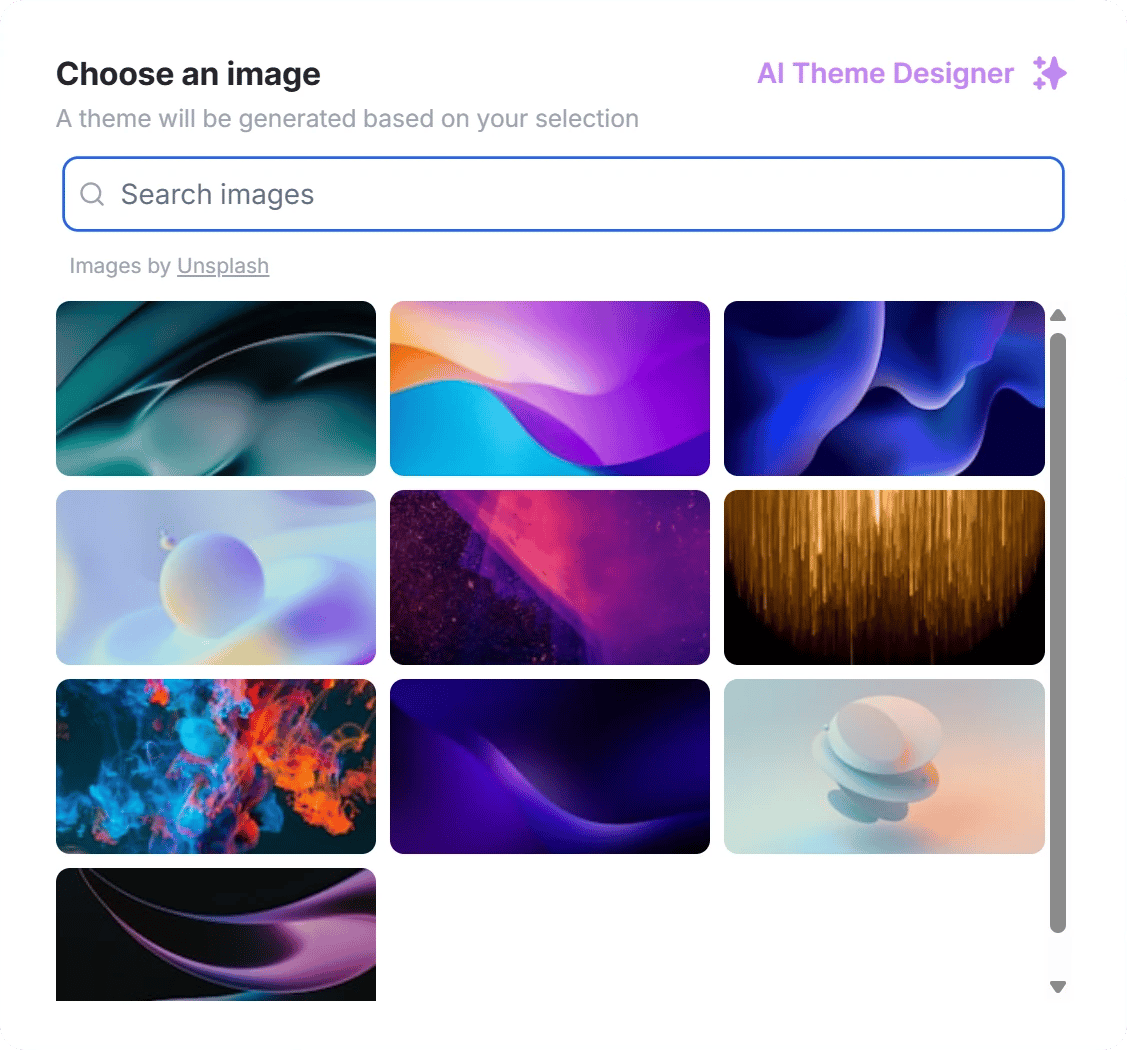
In the Form designer, openAll themes and click Create with AI.
Customize a theme
ClickEdit to update your theme, or Custom theme to make your own.
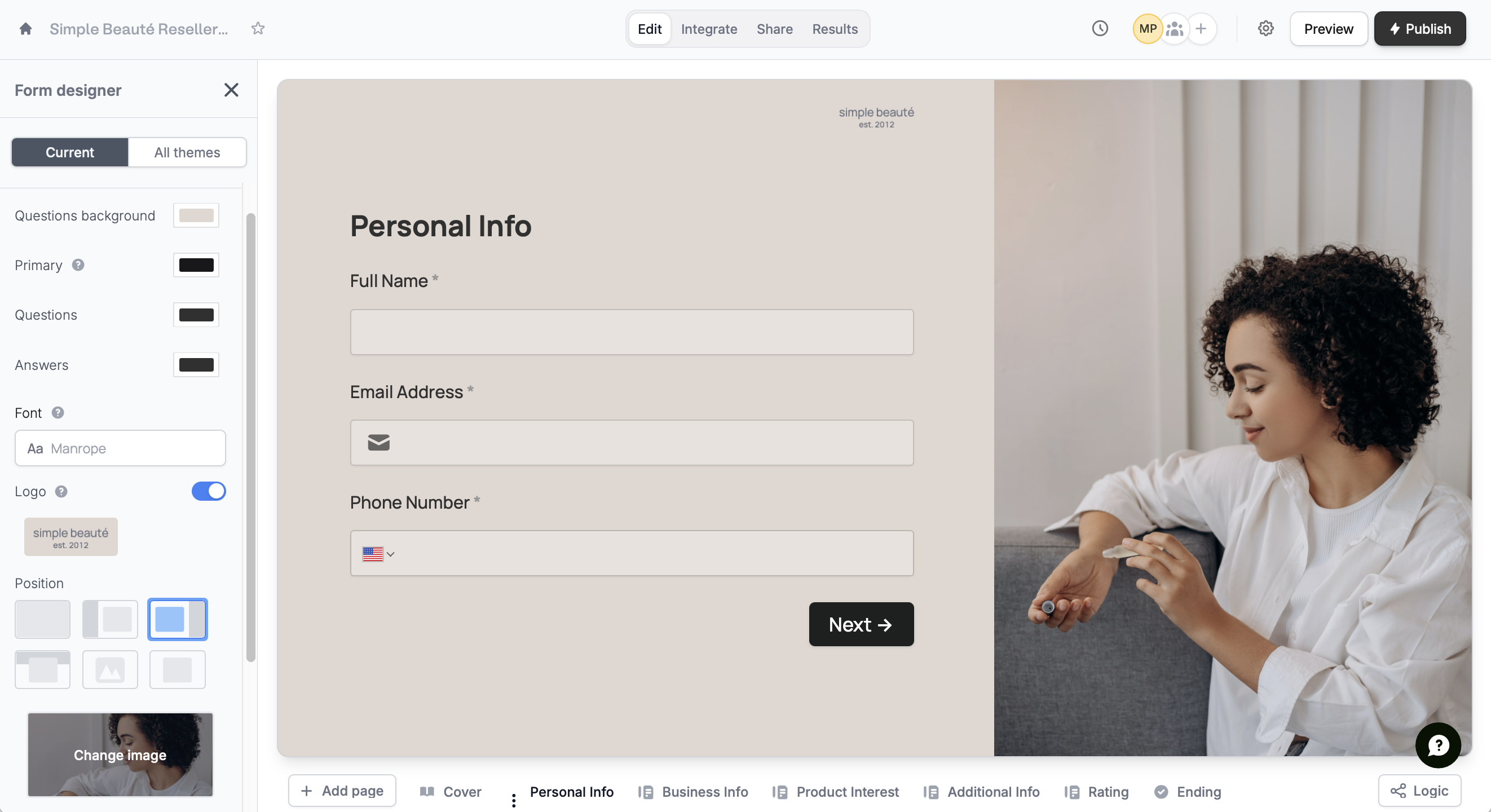
In the left-hand panel, you can modify the:
- Questions background color
- Primary color of buttons and accents throughout the form
- Questions text color
- Answers text color
- Font style
Customizing themes is available to Starter users and above. For more details on pricing, click here.
- Logo for a professional and polished look
- Position or layout of your form
- Image uploaded or linked to the form
- Brightness of the image
- Questions button size
Edit text formatting
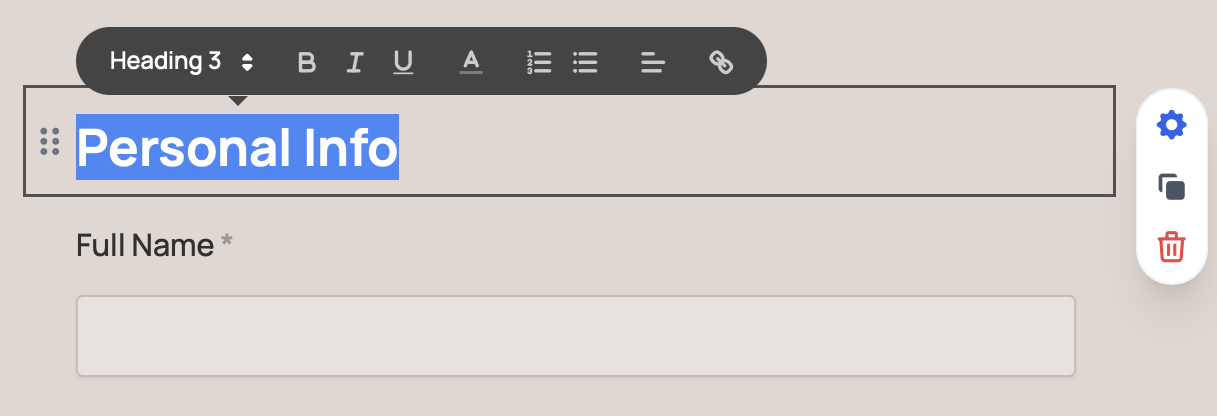
Highlight text to change its font size, style, color, type, alignment, or to turn it into a hyperlink.
Set a default theme
If you are an admin, you can choose a default theme for all new forms in your organization. Learn how it works here.Related articles
Advanced designer
Add a custom CSS, edit button style, change text padding, and more.
Change fonts
Choose from thousands of Google fonts or upload one.
Add a logo
Add a professional touch and create strong brand identity.