

How to make advanced edits
ClickTheme to open the Form designer. Then, scroll down on the left-hand panel, and click Advanced designer.
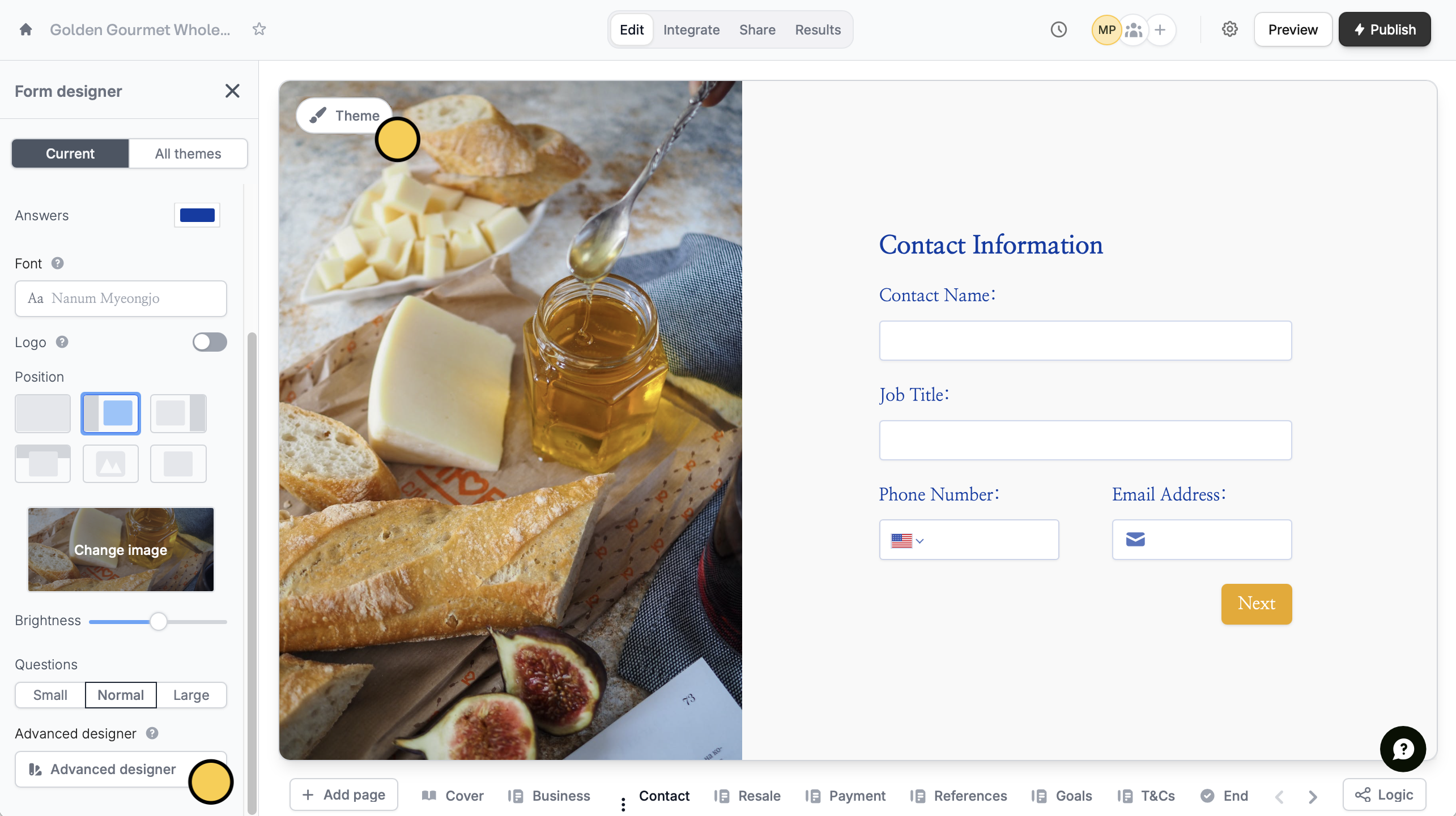
This feature is available on the Starter plan and above (except for custom CSS, which is available for Pro users and above). Learn more about our pricing plans and advanced features here.
- Add custom CSS
- Edit the input style
- Change the shape of buttons
- Choose a different animation
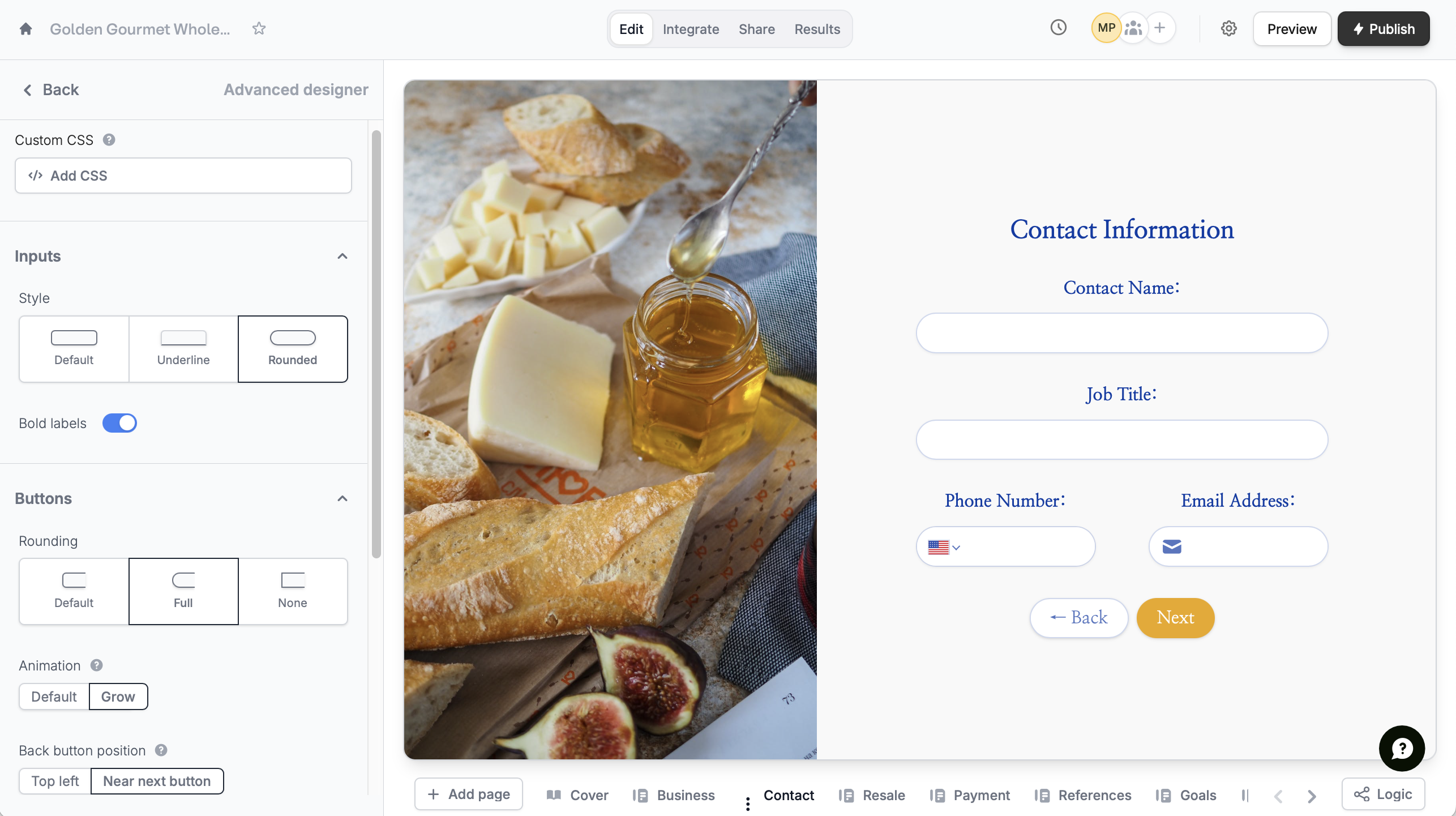
- Put the back button beside the next button
- Change the text alignment
- Edit the input width
- Change the padding or spacing between fields
Related articles
Themes
Select from hundreds of themes or create your own.
Custom form links
Customize your form’s share link, subdomain and URL ending.
Reorder with drag and drop
Easily arrange pages and field options.