

Add a new form page
All newly created forms have a Form page labelled as Page where you can add any type of field from the left-hand panel. Simply click or drag & drop your chosen field.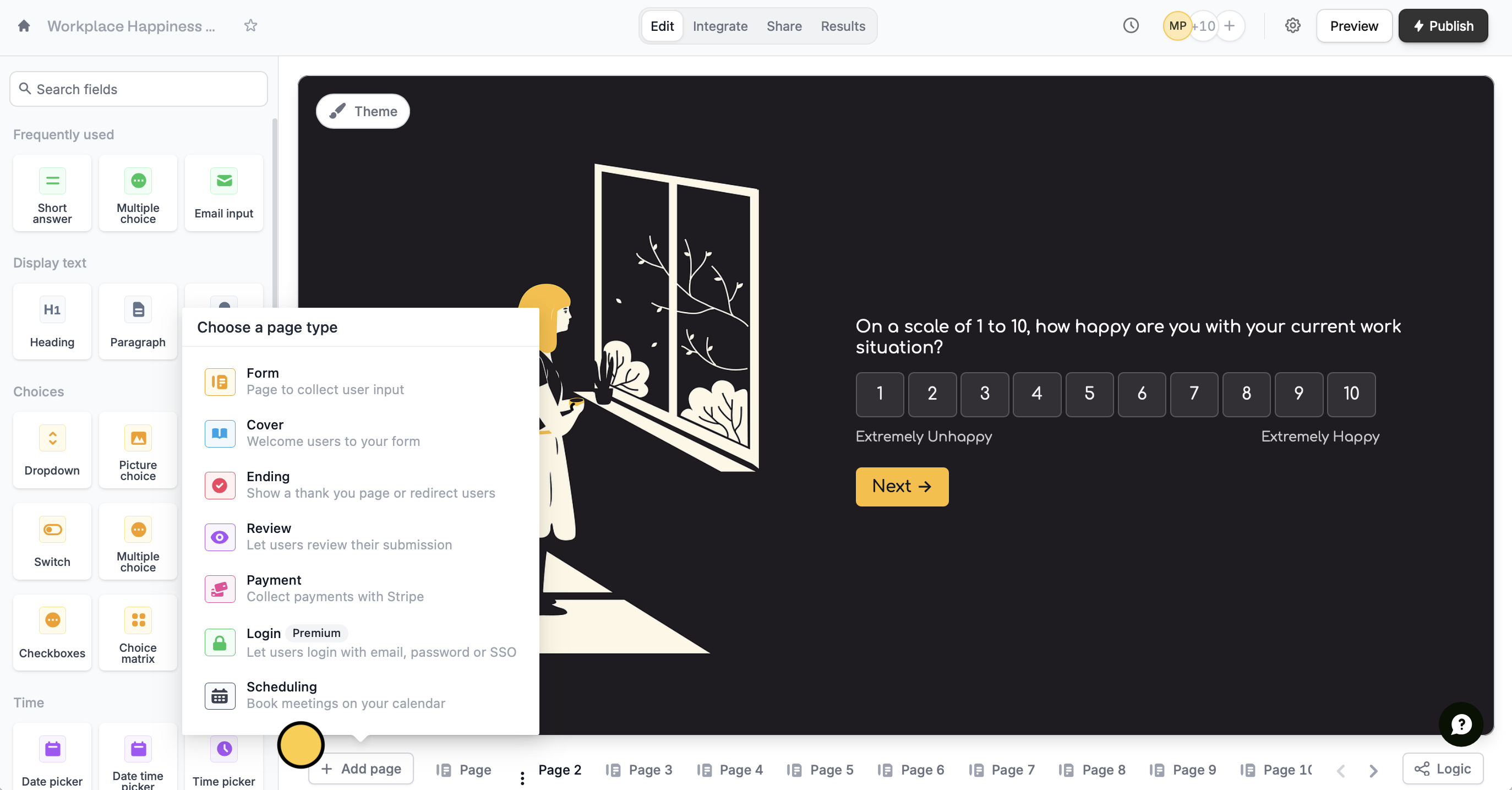
+ Add page followed by Form.
Related articles
Field types
Customize or change over 50 field types, add captions, and more.
Hide fields
Hide or show fields based on answers, URL parameters or data.
Page logic
Hide or show pages or custom endings based on respondent input.