Apply for a discount
If you think you qualify for a discount, please submit this form and our team will get back to you within 48 hours. If you have any questions, contact support@fillout.com.Redeem a discount code
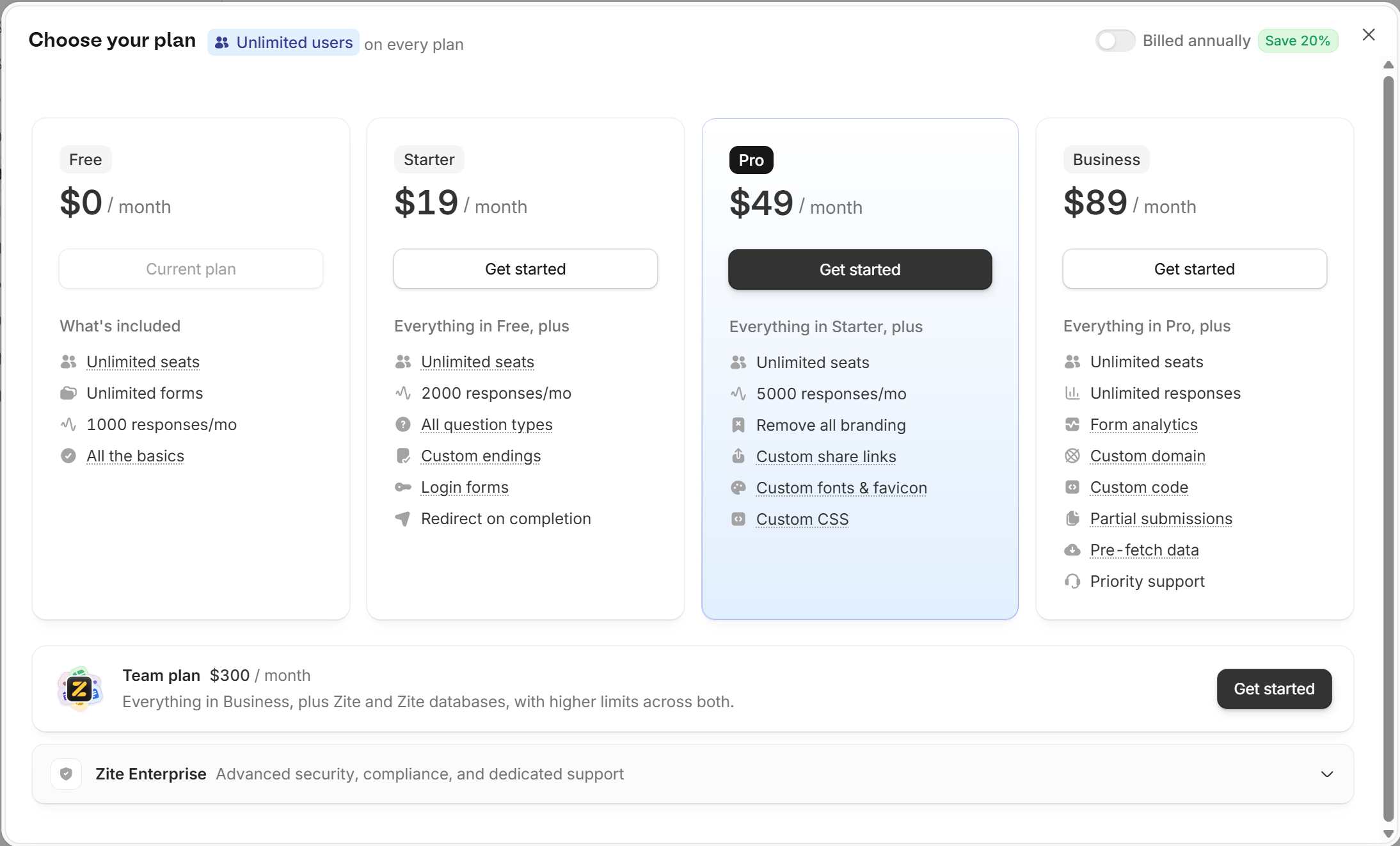
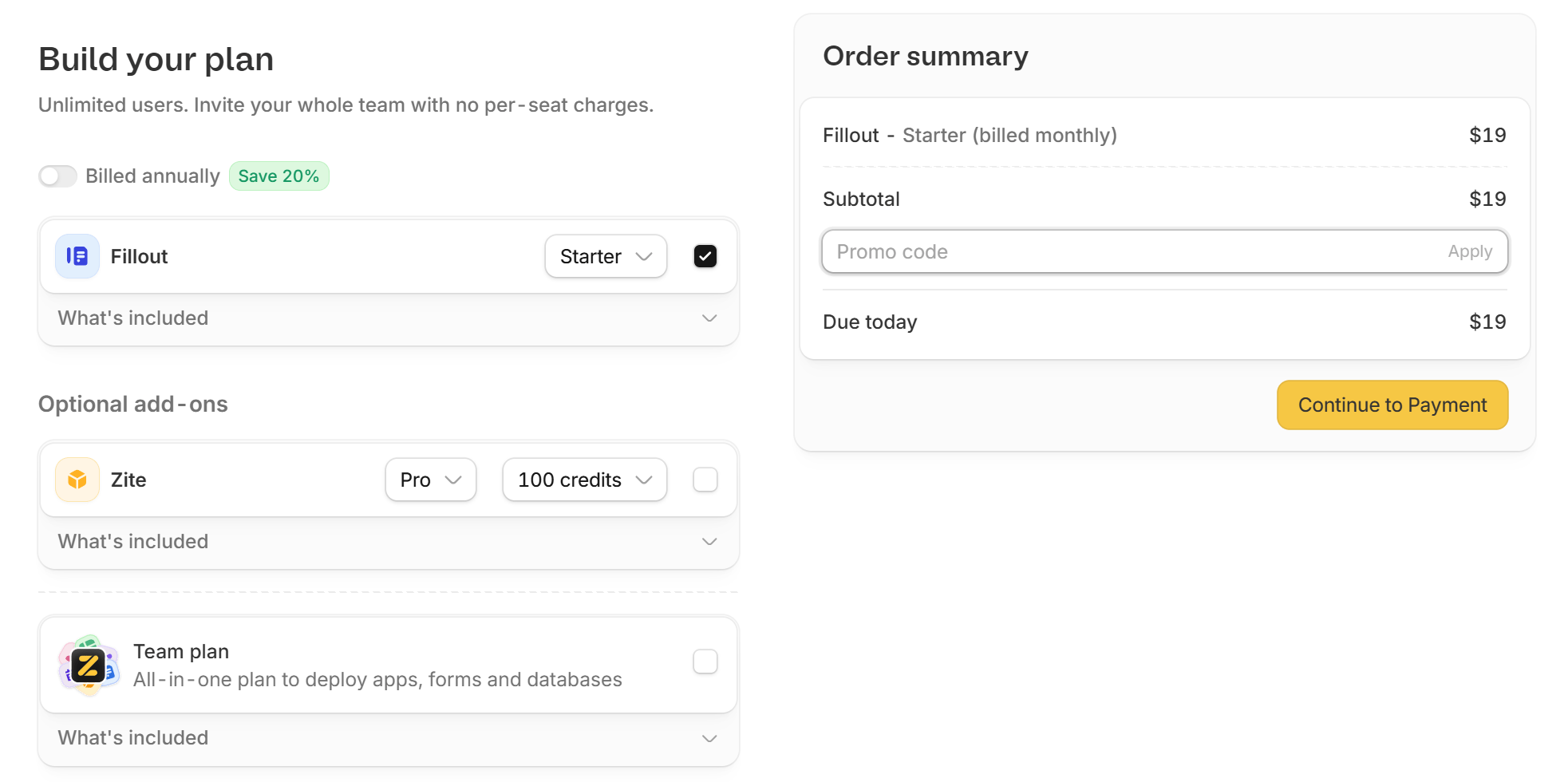
Click your organization name in the upper left corner, and head to Settings. Click Billing & usage on the left side, then click Upgrade on your Fillout plan. Choose a plan and click Get started.