

How to pre-fill a field
Click a field’s . In the right-hand panel, fill out the Default value with a text or hover and click to reference a value. Fillout lets you map:- - answers to another Fillout field including respondent info from a login step
- - URL parameters
- - calculations
- - custom dates
- - enriched emails with company information
- - static values
- - database records
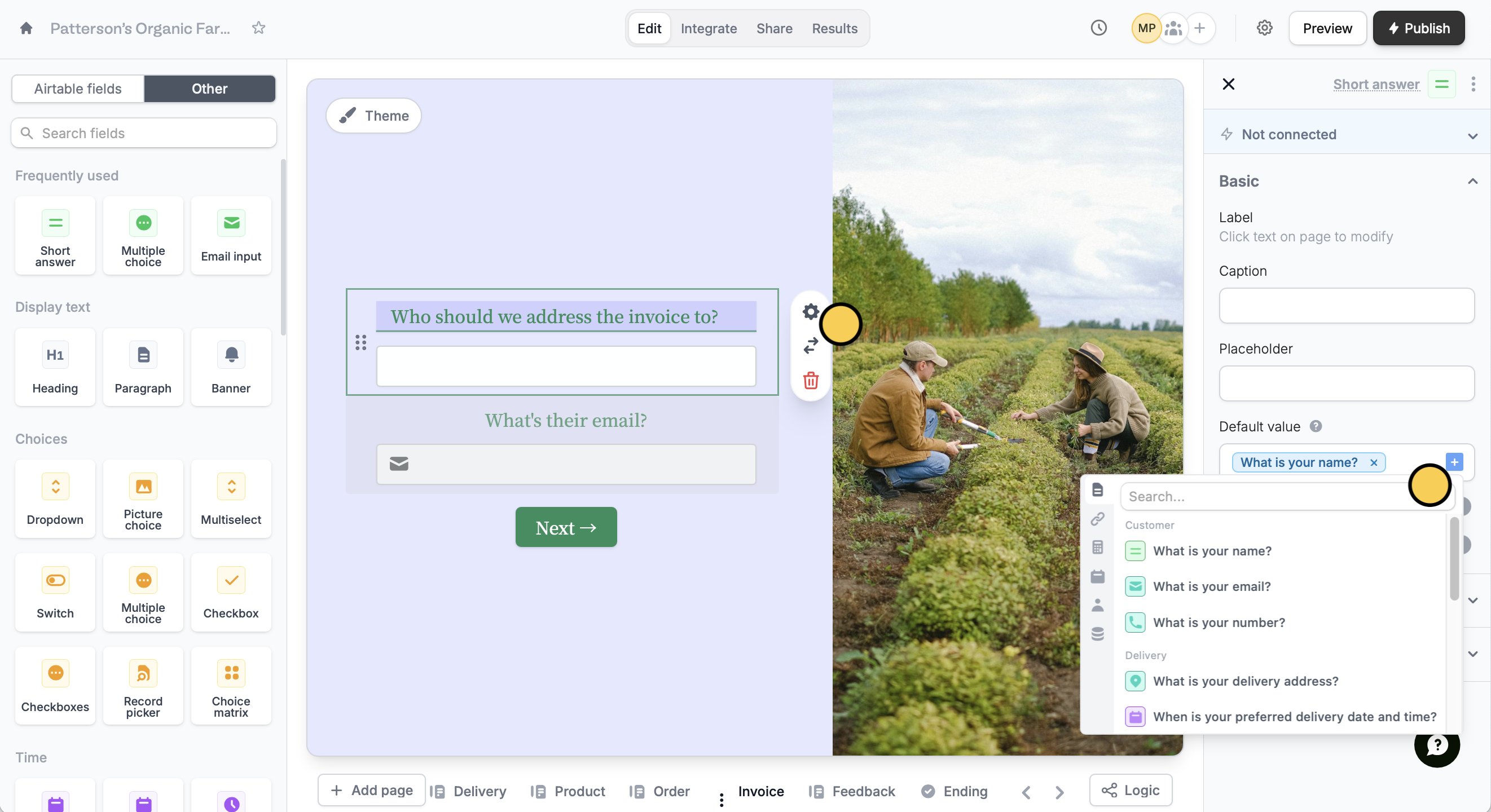
Pre-fill with external data
You can also pre-fill fields with data from external sources like Airtable and Notion. Here’s an example of referencing data from the Airtable record the form is editing. Check this guide.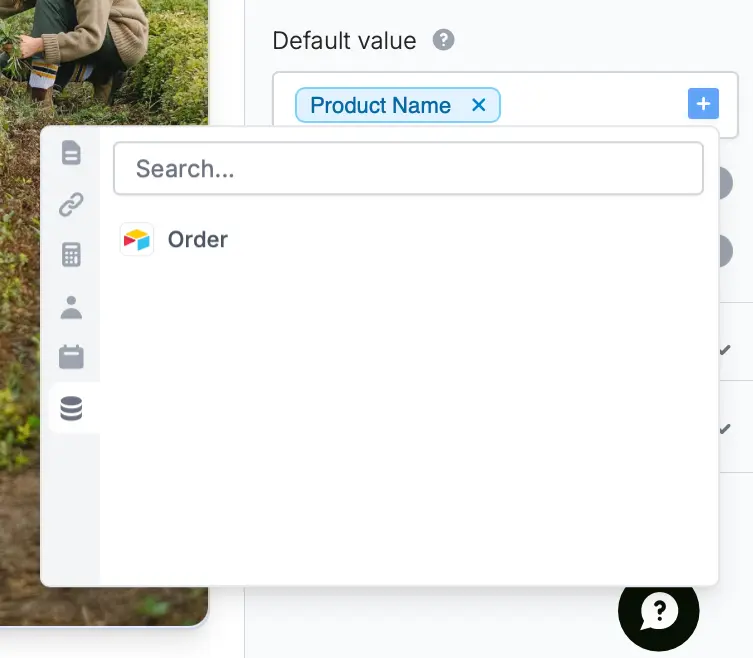
Other advanced features
URL parameters
Pass information to a form to support pre-filling.
Use dynamic data
Display content to hide, validate and pre-fill fields.
Static values
Send a fixed value to an integration for any field.