

Overview
User Groups let admins bundle team members together and grant them workspace or form access all at once. Instead of assigning permissions to each member individually, you can manage access for an entire group in one place.Create a group
1
Open group settings
From your dashboard, click your
organization name in the upper left corner followed by Settings. Then, switch to the Groups tab.2
Create a new group
Click 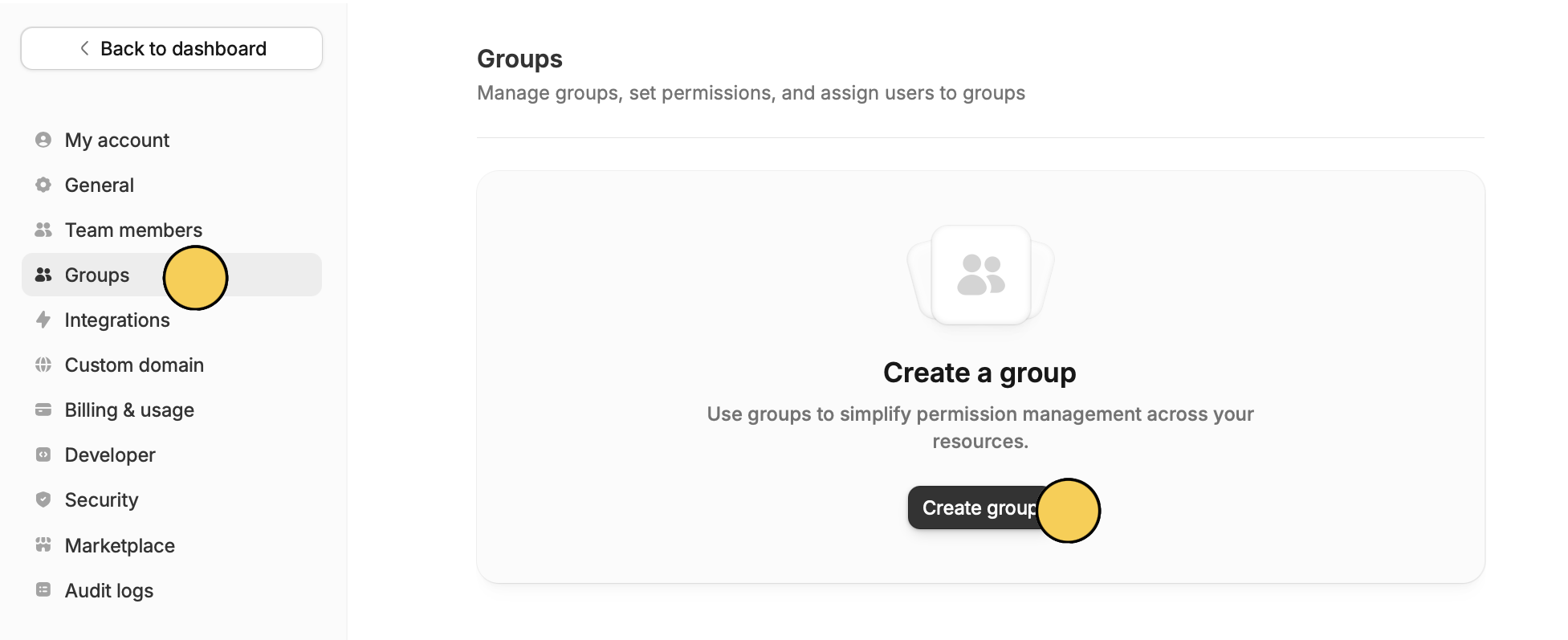
Create group and give the group a name.3
Add members & change permissions
Add the emails of users you’d like to include in the group. Then, click Save at the bottom.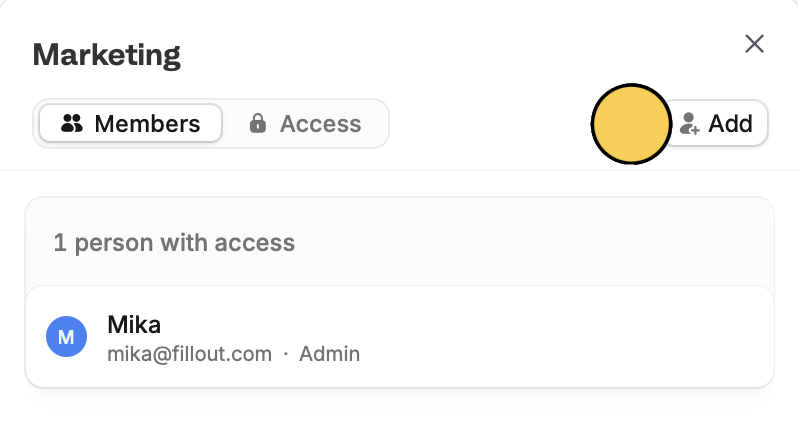
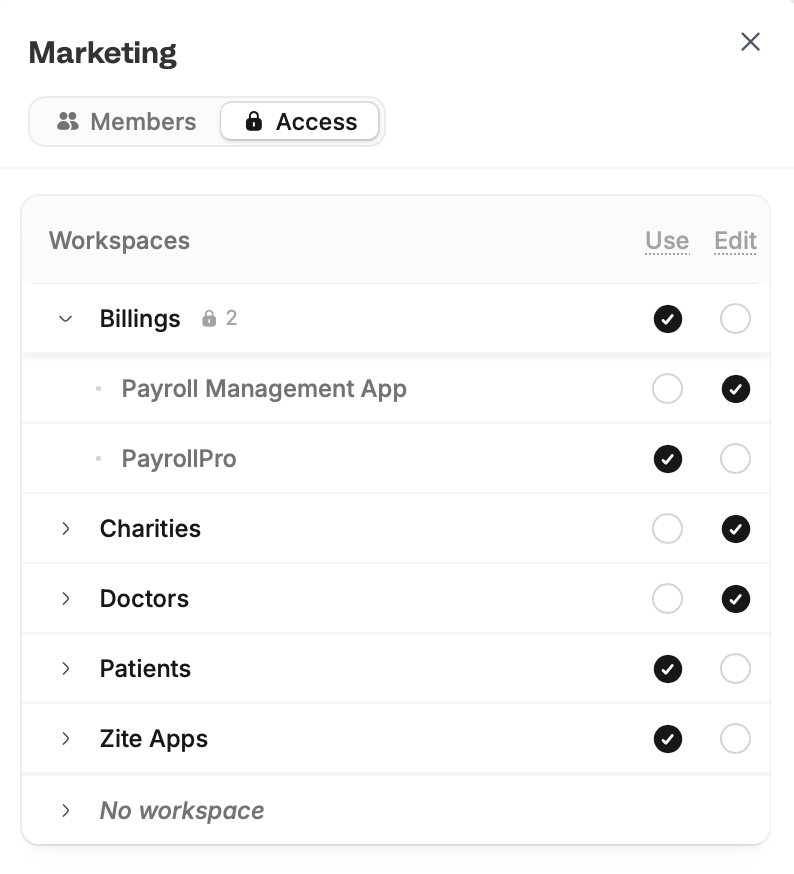
Assign permissions to a group
Groups can have Use or Edit permissions on workspaces or individual forms, apps, or databases within a workspace. Navigate toAccess to assign.
- Use – members can view forms and their results and use apps but aren’t able to edit them
- Edit – members can edit and remove forms, apps, and databases
Related articles
Granular Permissions
Set member access levels and restrict integration accounts.
Manage Members
Add, remove, and update team members.
Workspaces
Organize forms in folders and control user access.