

Upgrade or downgrade your plan
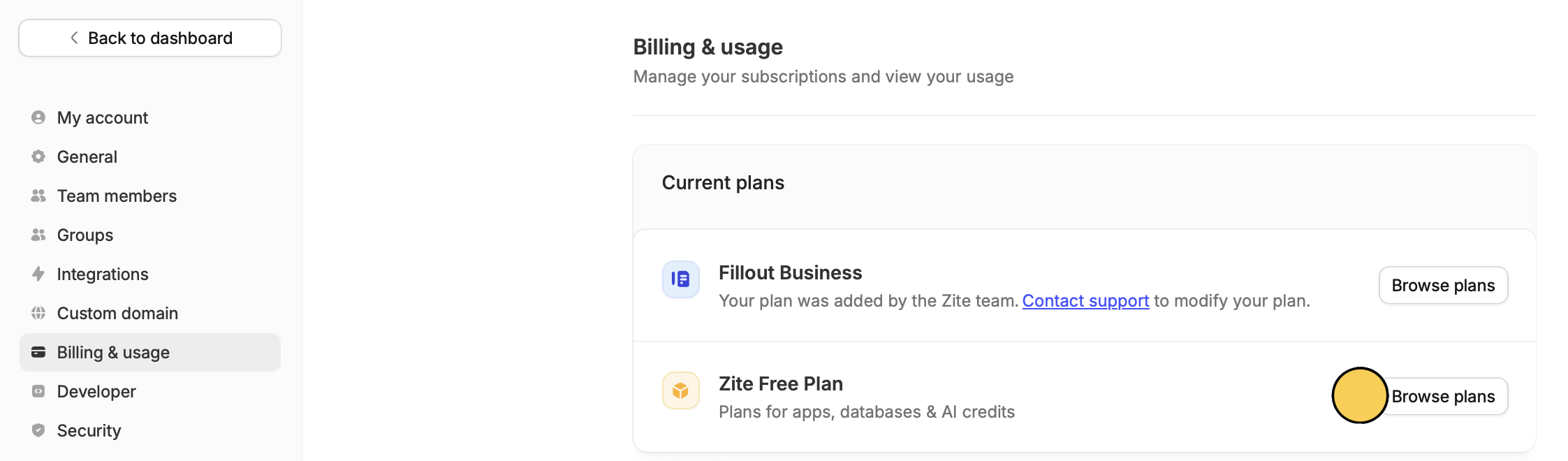
Directly access your subscription details here. Alternatively, go to your dashboard. Click yourAccount name on the upper left corner followed by Settings. Then, click Billing & usage in left side.
From a free plan
Browse plans for your Apps, then choose your preferred plan in the popup by selecting Get started on the plan.
Modify, then Upgrade to Business or Downgrade to Pro in the popup.
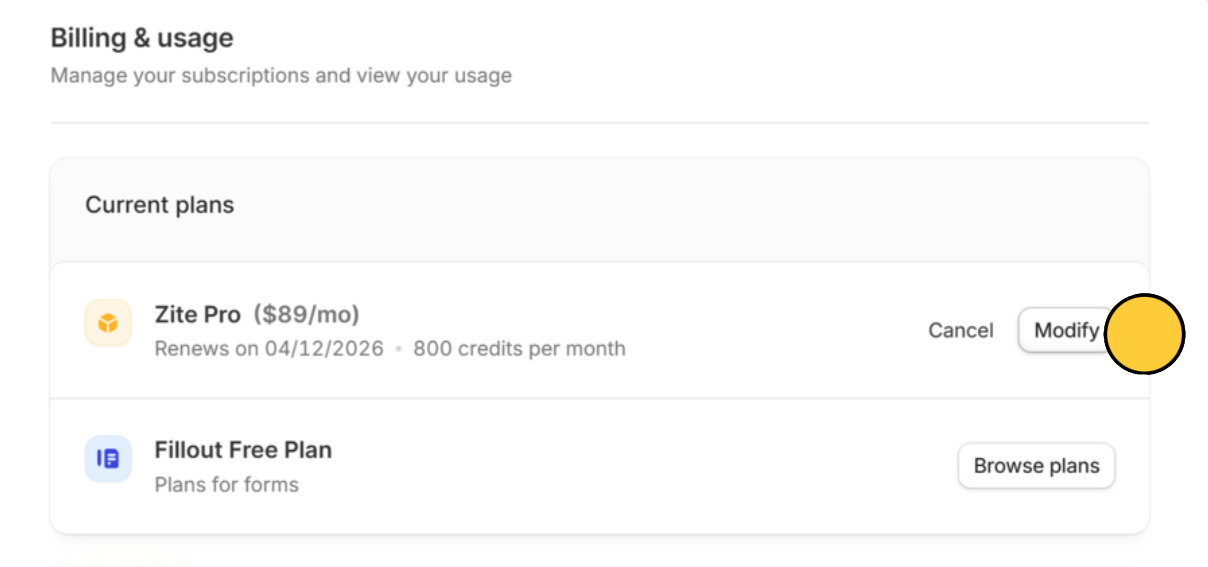
Cancel.
Edit monthly credits
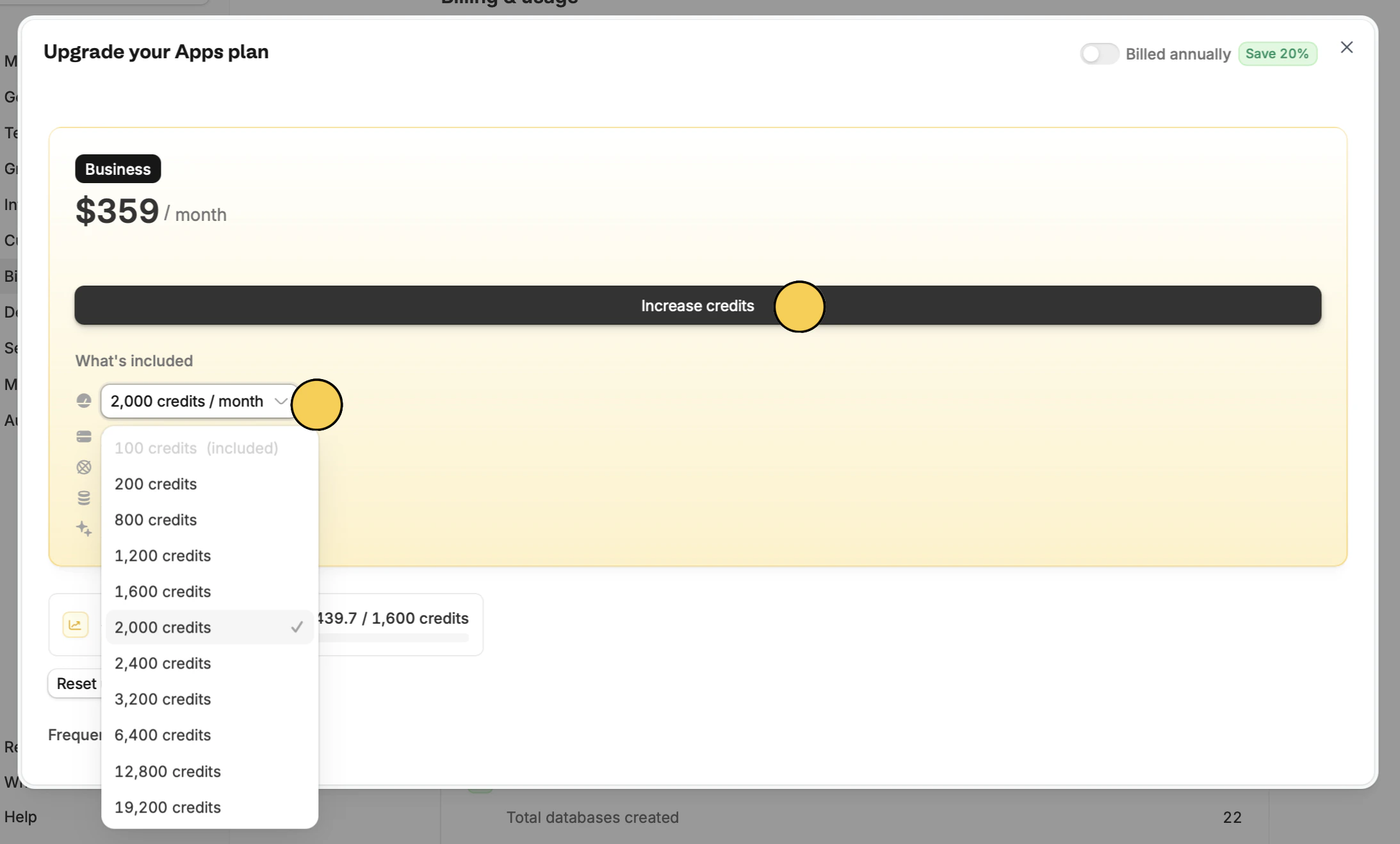
You can increase or decrease the monthly credits set for your account. On the Billing & usage settings, clickBrowse plans or Modify your Zite plan. Then, choose the number of
credits from the dropdown and Increase/decrease credits.
Cancel plan
You can cancel your Zite app plan, and still keep your Fillout Forms plan.The Team plan
If you are a frequent user of Fillout forms, Zite apps, and databases, we recommend checking out our Team plan.