

Overview
Automatically notify users or team members when actions happen in your app. This is useful for alerts, reminders, confirmations, and follow-ups. By connecting Zite to Twilio, you can:- Send SMS messages to US phone numbers
- Send WhatsApp messages to users worldwide with API
- Send messages to multiple users at once
- Send 2FAs or one-time codes via SMS for extra security on sensitive actions
To send WhatsApp messages, recipients’ phone numbers must be added to your Twilio Sandbox.
How to automate messages
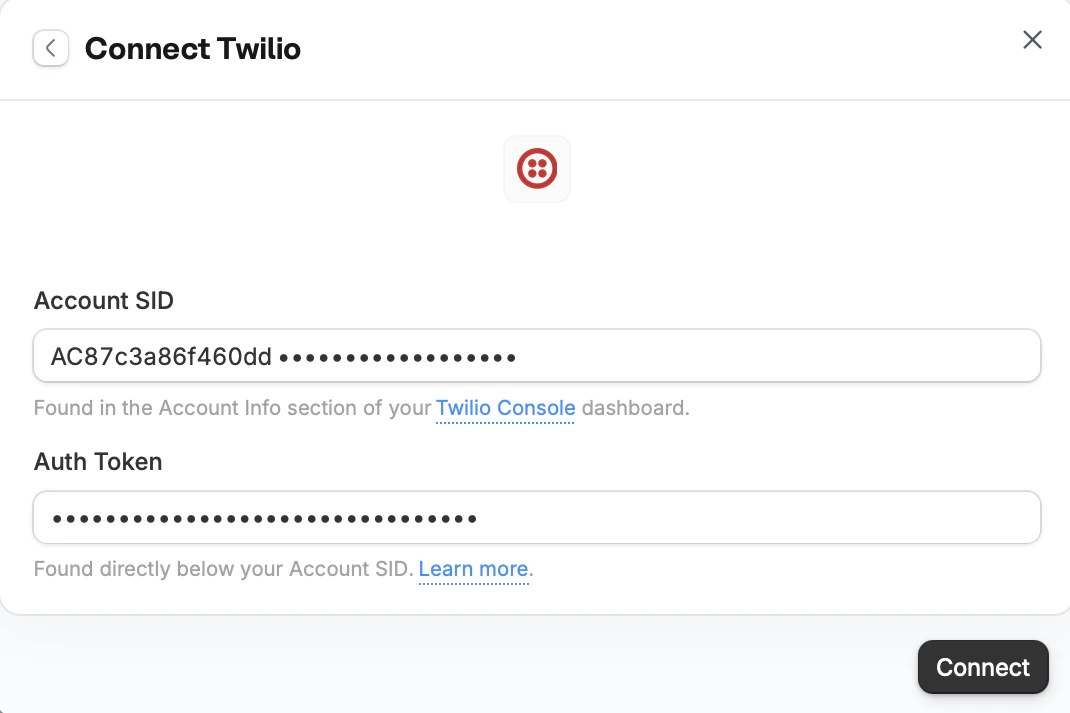
Connect to Twilio
In the chat box, ask Zite to connect to Twilio or click .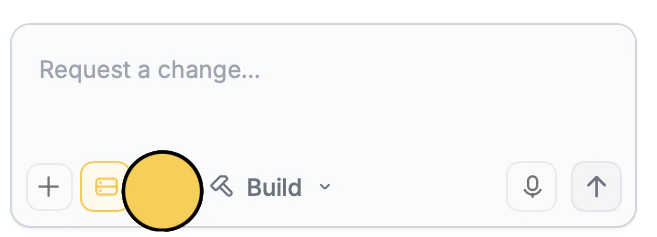
Enter your use case
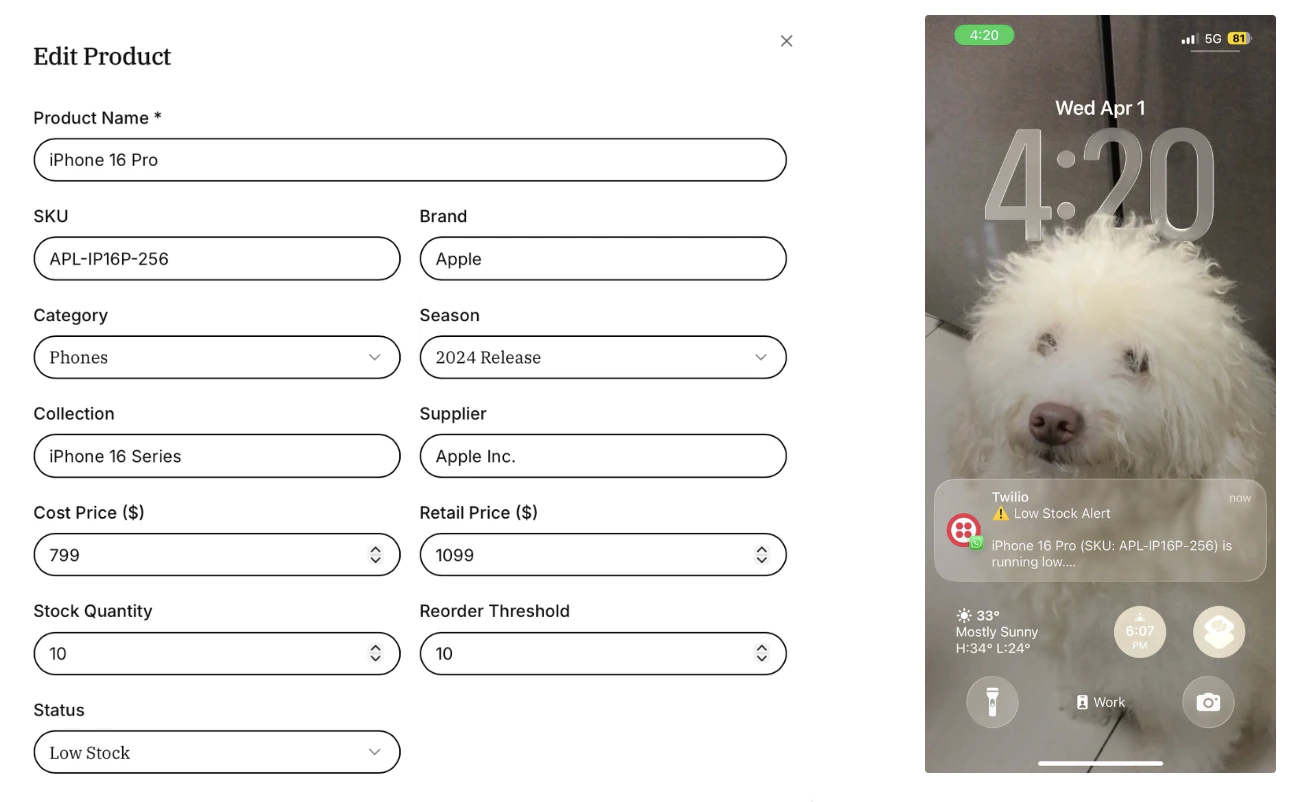
Describe how you want to use Twilio in your app. In this example, we’ll send a WhatsApp message when inventory is low.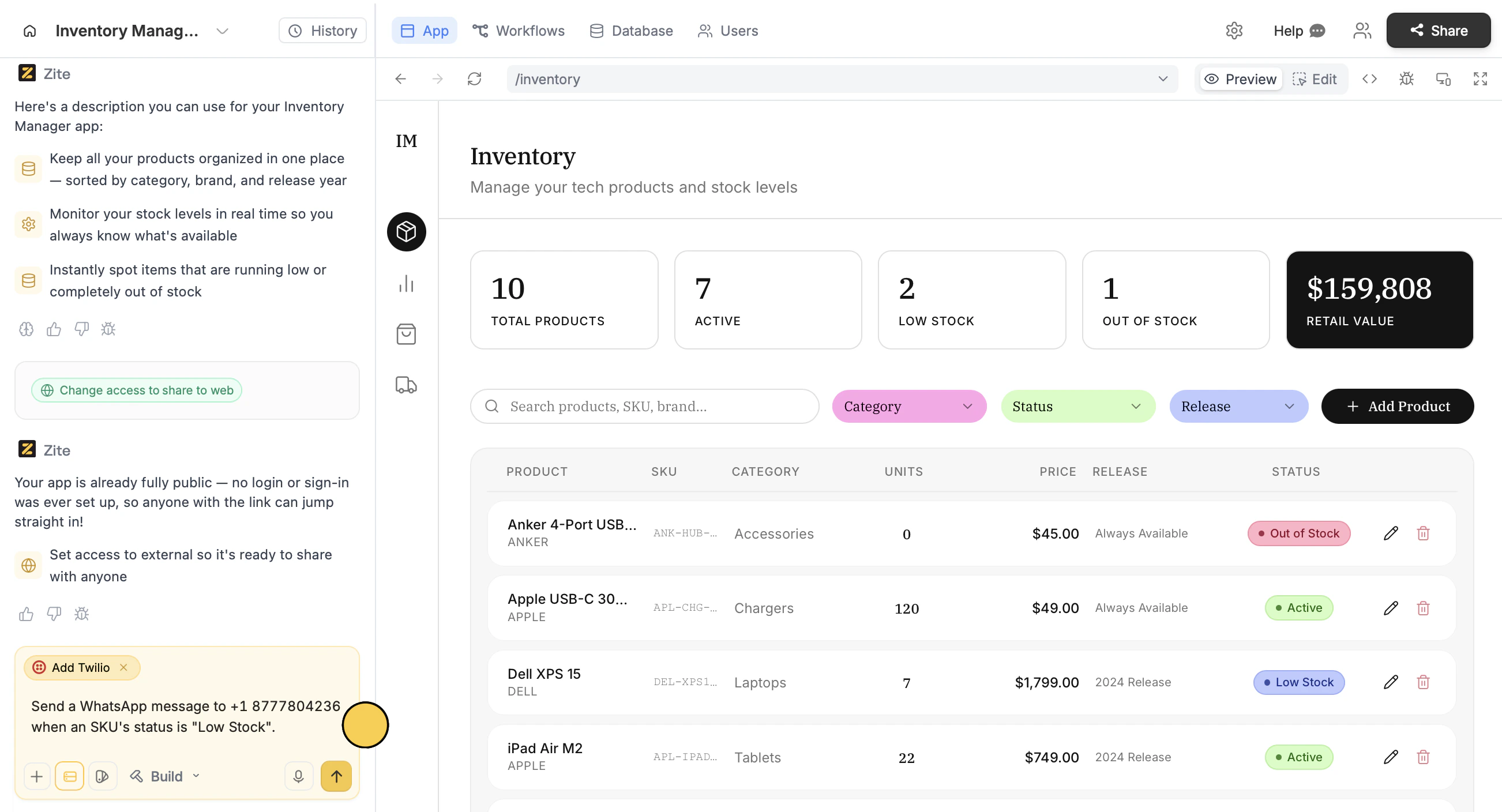
How to automate 2FAs
For actions that require extra security, like deleting an SKU, you can send 2FAs. Just like the steps above, enter a prompt to send 2FAs when a specific action occurs.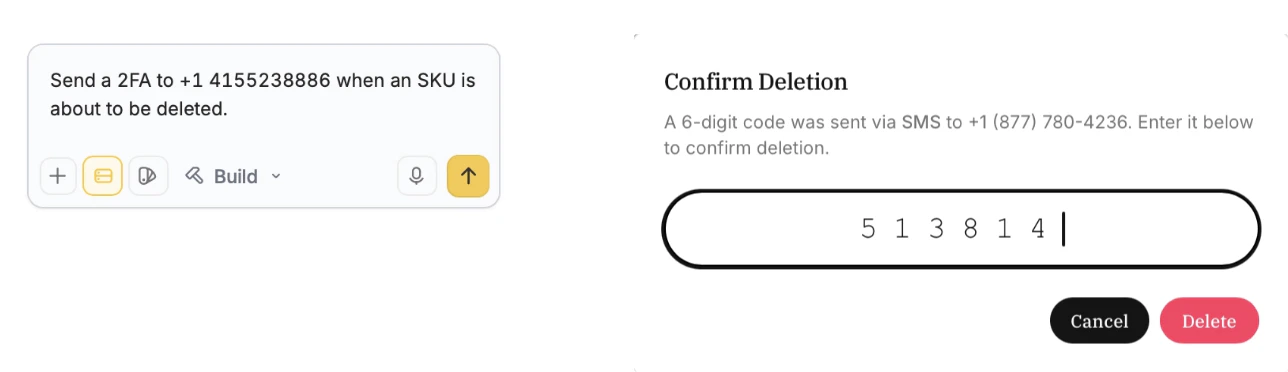
Codes sent expire in 5 minutes.
Common use cases
With a Twilio connection, you create apps like:- Shopping or Marketplace: Send order confirmations and delivery updates
- Lead Generation: Alert your team of new sign-ups or conversions
- Bookings or Appointments: Remind clients of upcoming events
- Inventory Management: Notify POCs when an item is low in stock
- Private Resource Hub: Send 2FAs to managers to allow downloads of private or financial data