

How to integrate OpenAI
Connect to OpenAI
In the chat box, request your app to be integrated with OpenAI or click .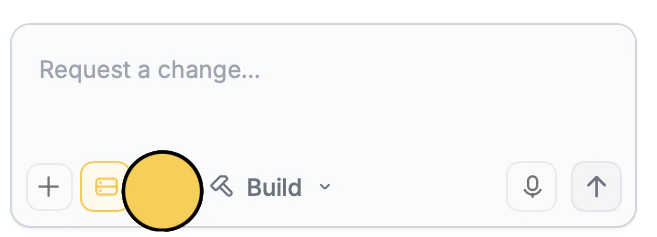
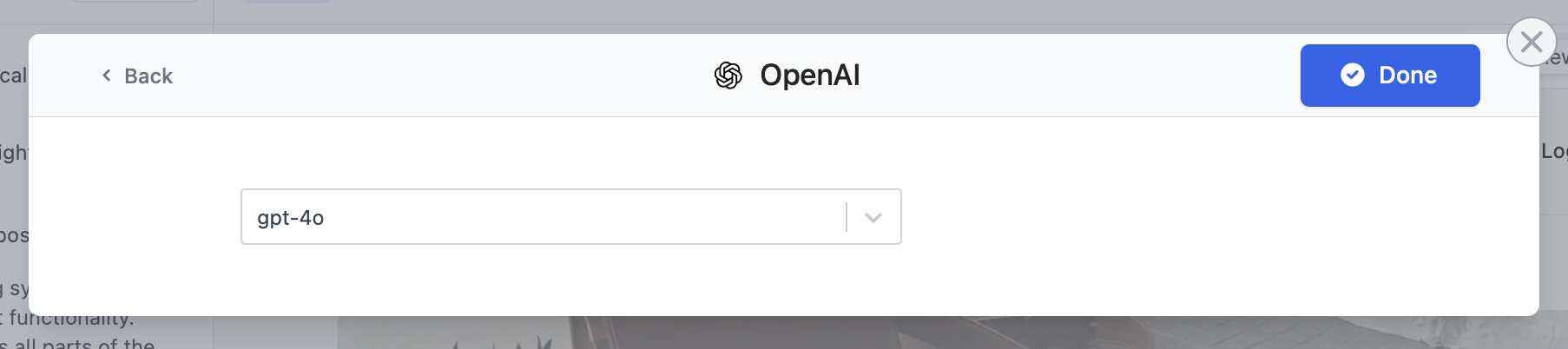
Enter use case
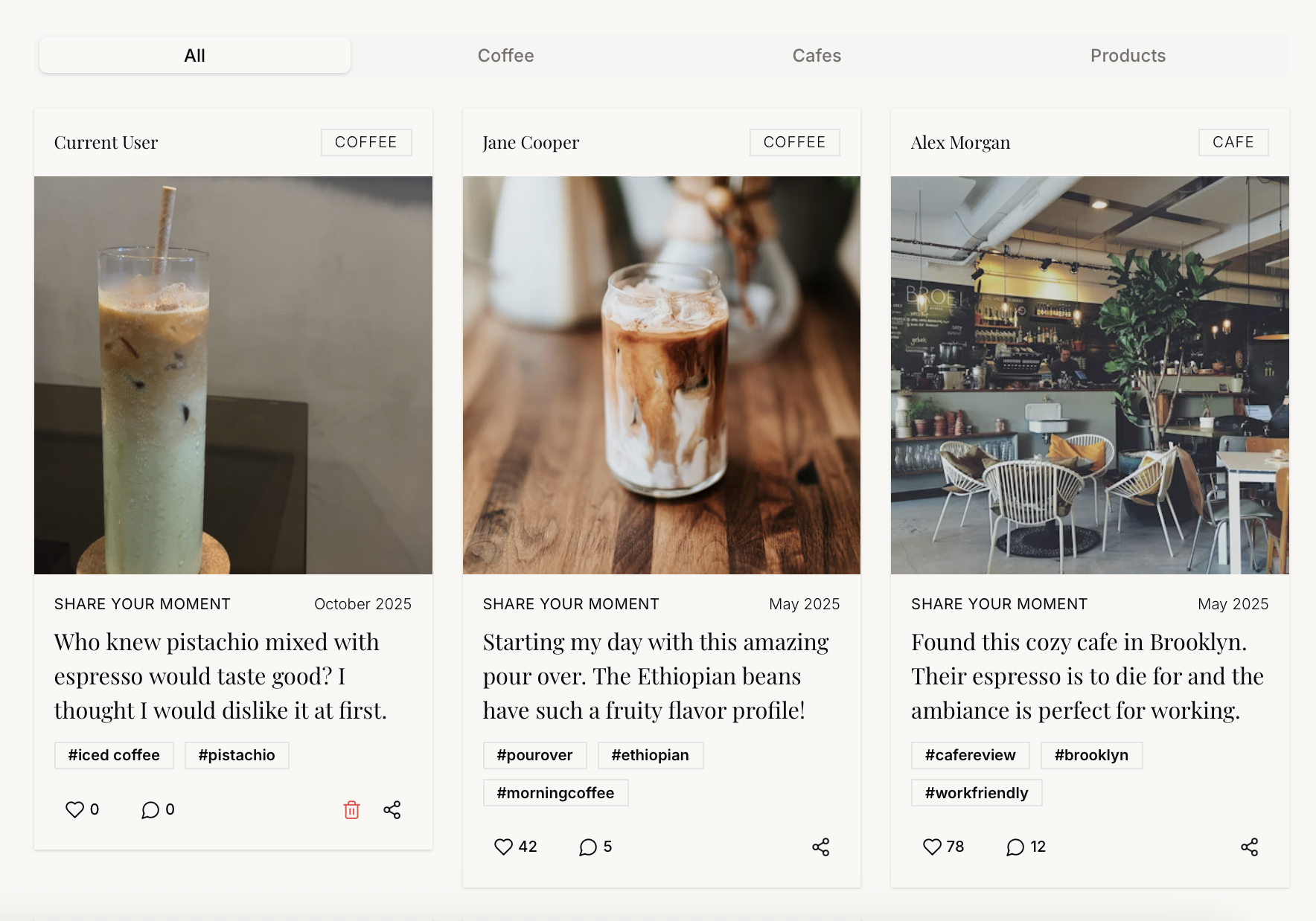
Tell Zite how you want to use OpenAI in your app. In our example, we’ll publish a post to the community.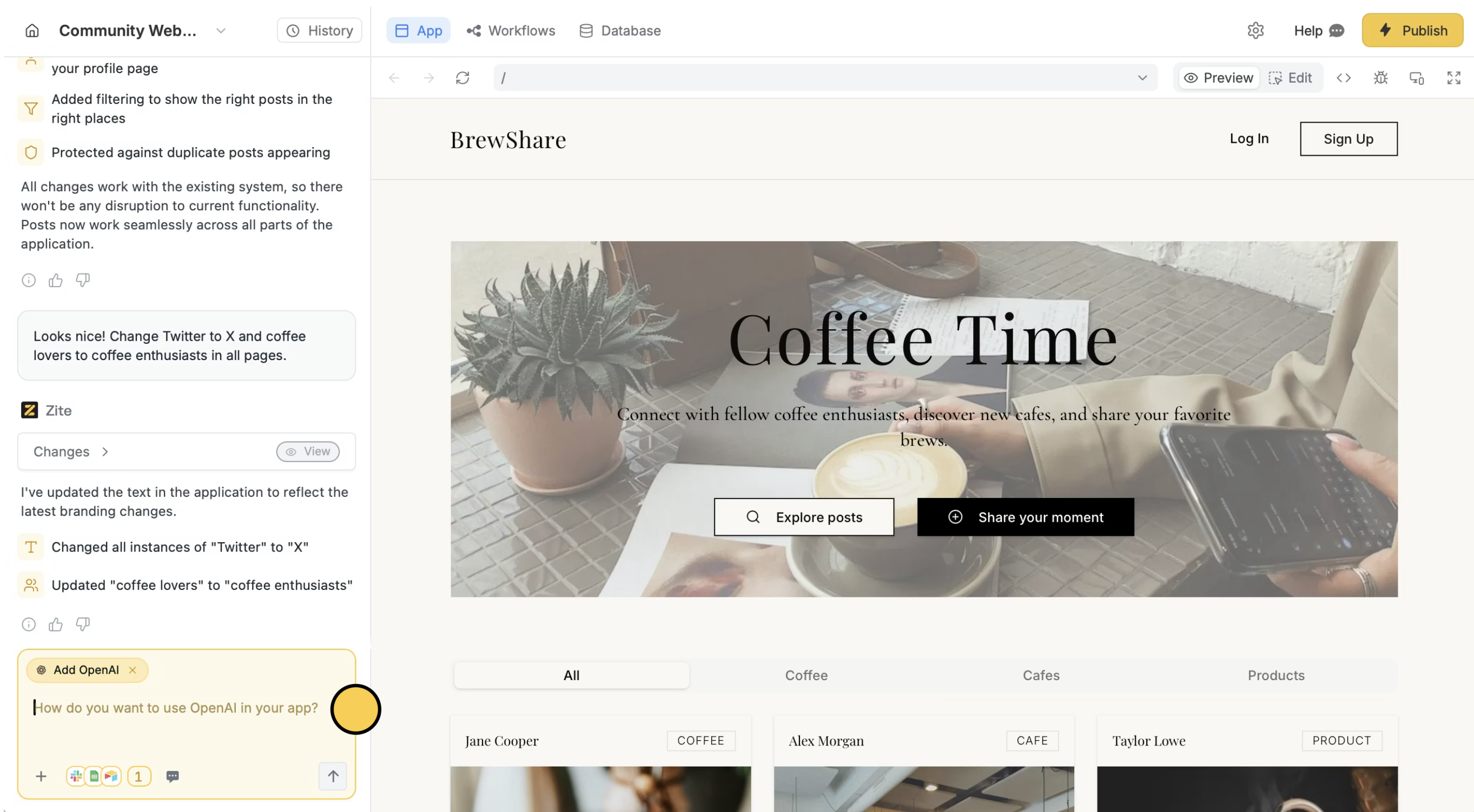
Deploy and share
Use the chat box or the respective buttons in your app to ensure everything’s working properly.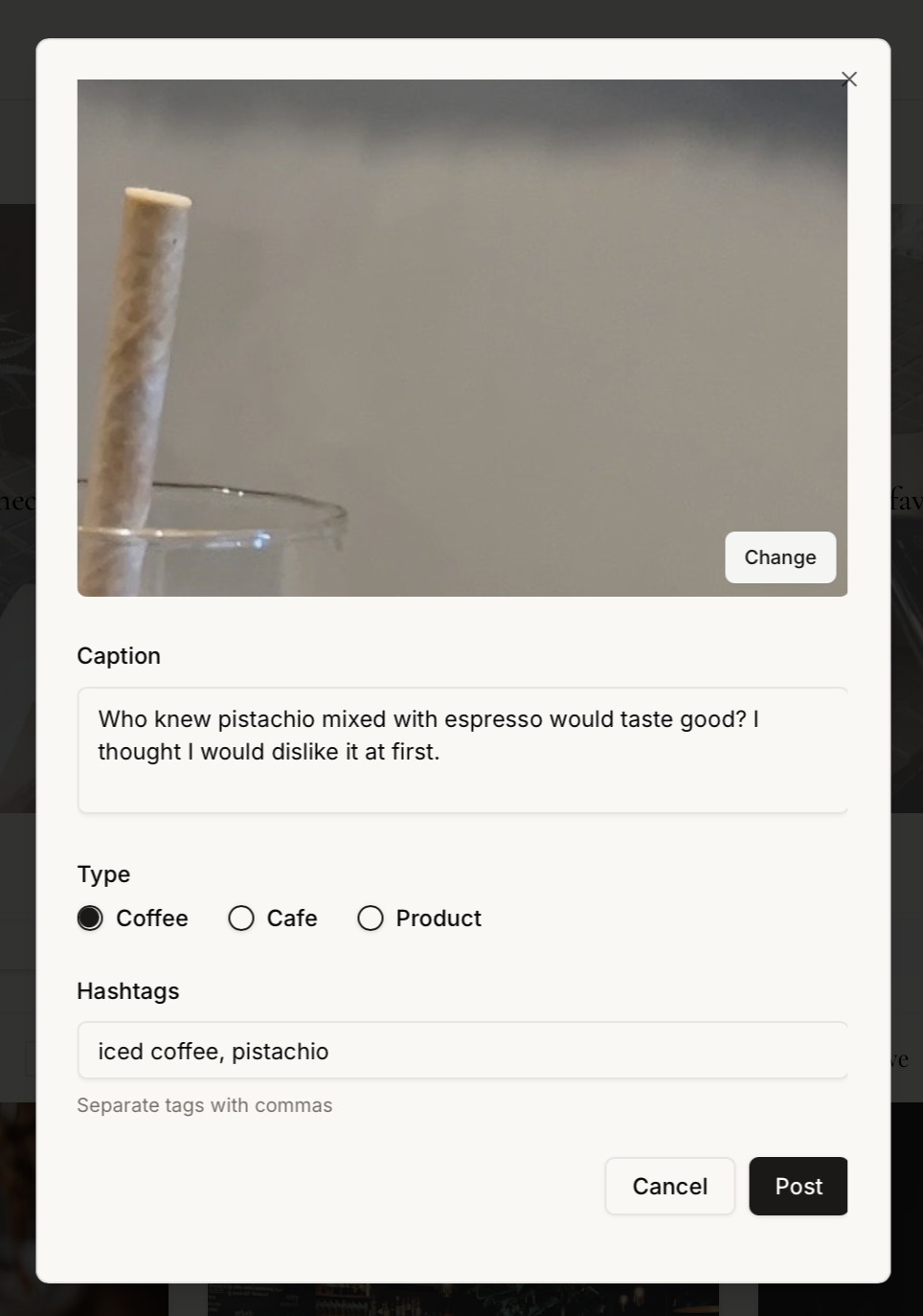
Publish in the upper right corner to share or embed your app.Modify the theme or style specific elements your app to personalize it or match it with your brand.