

Overview
At its core, n8n is a visual workflow automation tool where you connect nodes (apps, APIs, logic blocks) into pipelines. The Zite n8n integration acts like a structured database layer, letting you read, create, and update database records as part of multi-step automations. You can trigger workflows from database events, transform data, and sync it across other tools.How it works
Create a workflow
From the n8n dashboard, click + on the upper left corner followed by 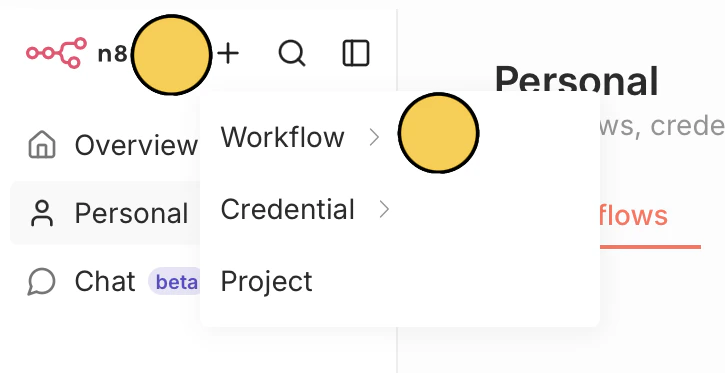
Workflow, then choose where to create it (e.g., Personal).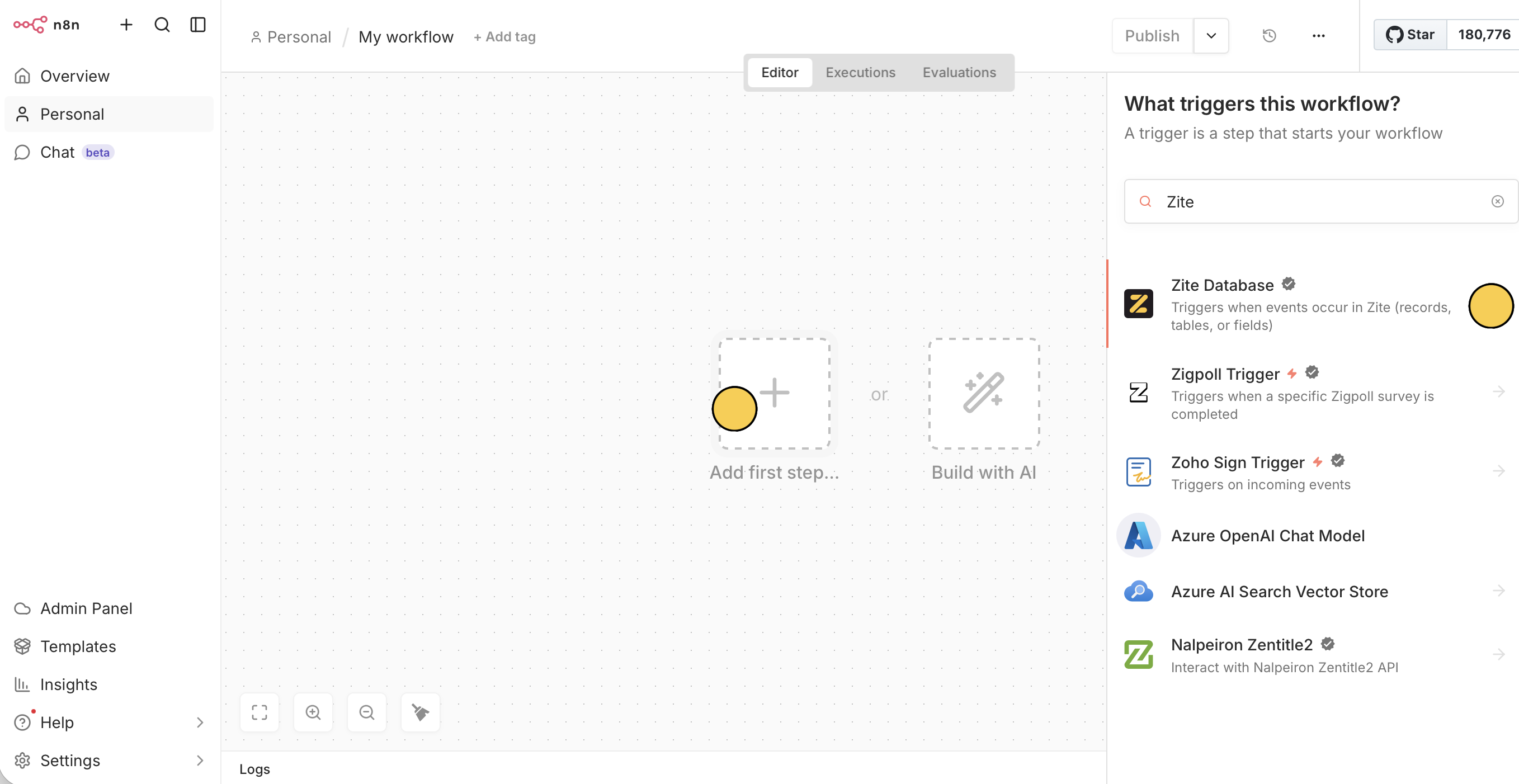
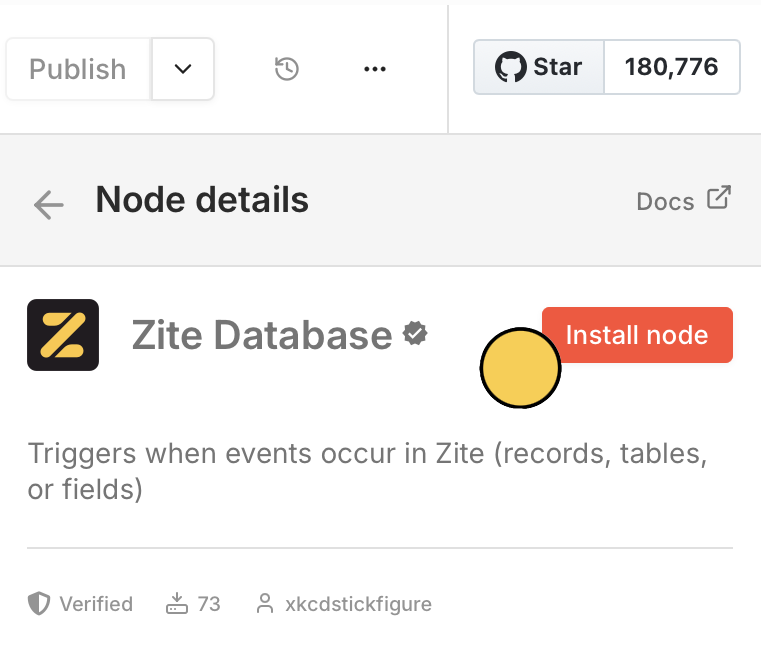
Set a trigger
You can use Zite in a trigger or action. For this example, we’ll trigger 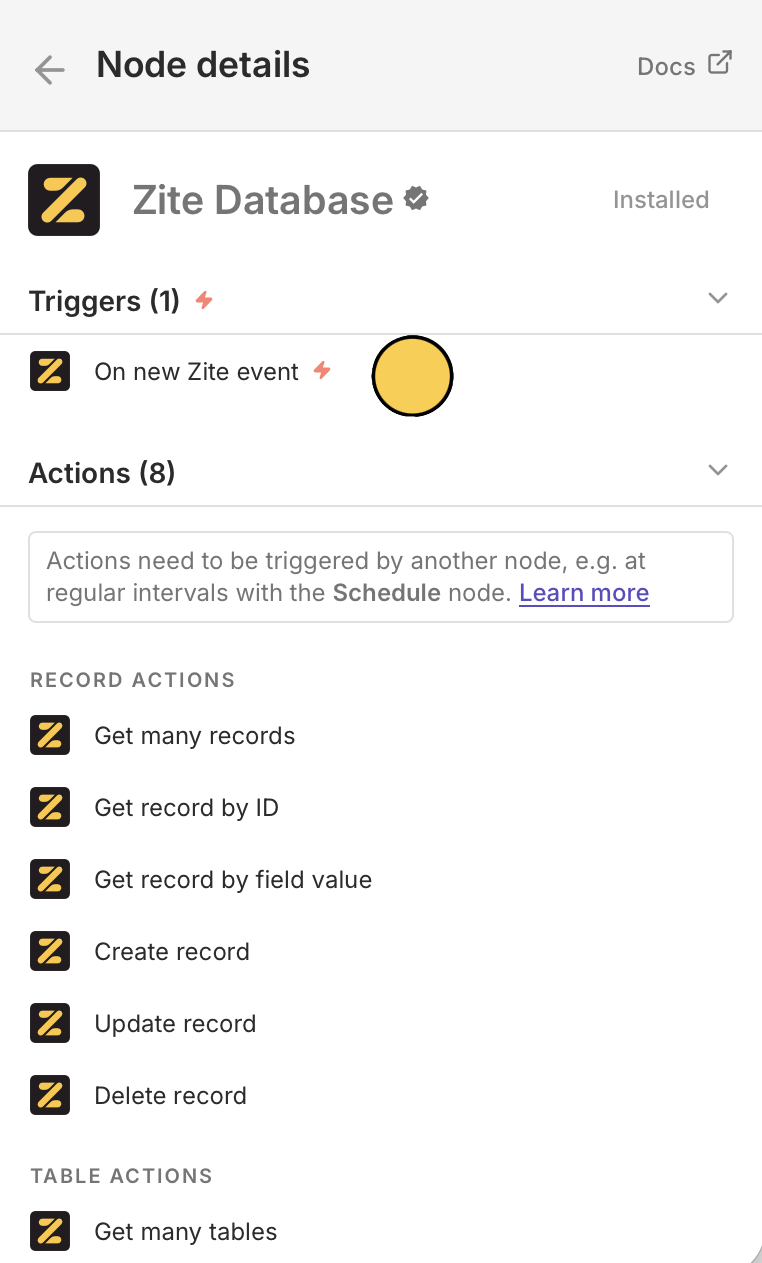
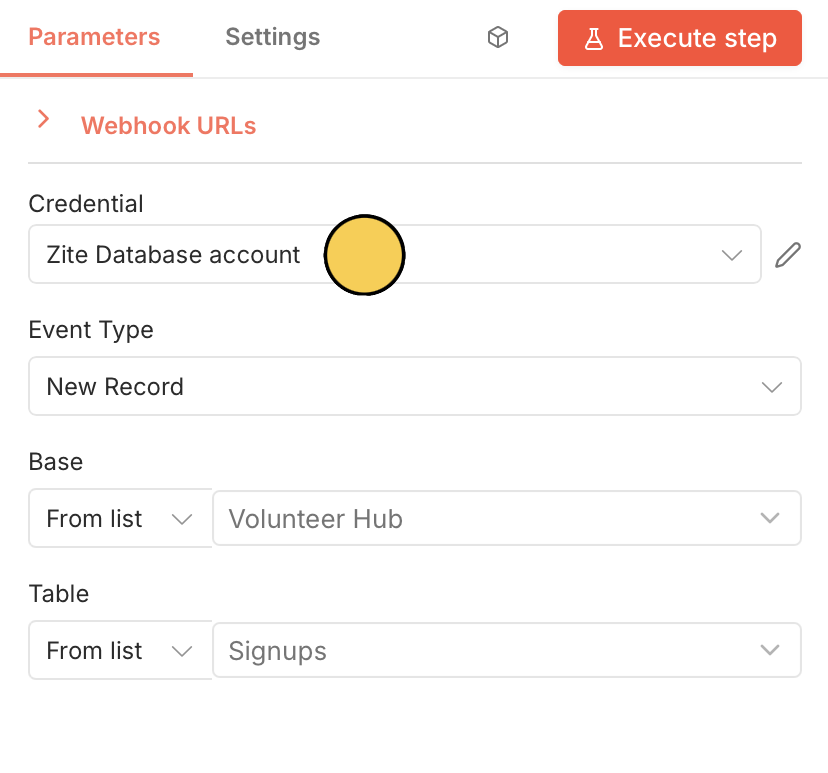
On new Zite event. Since this is your first Zite setup, Set up credential by pasting your API key from Zite.Add an action
Click + to choose the next app or service. Let’s 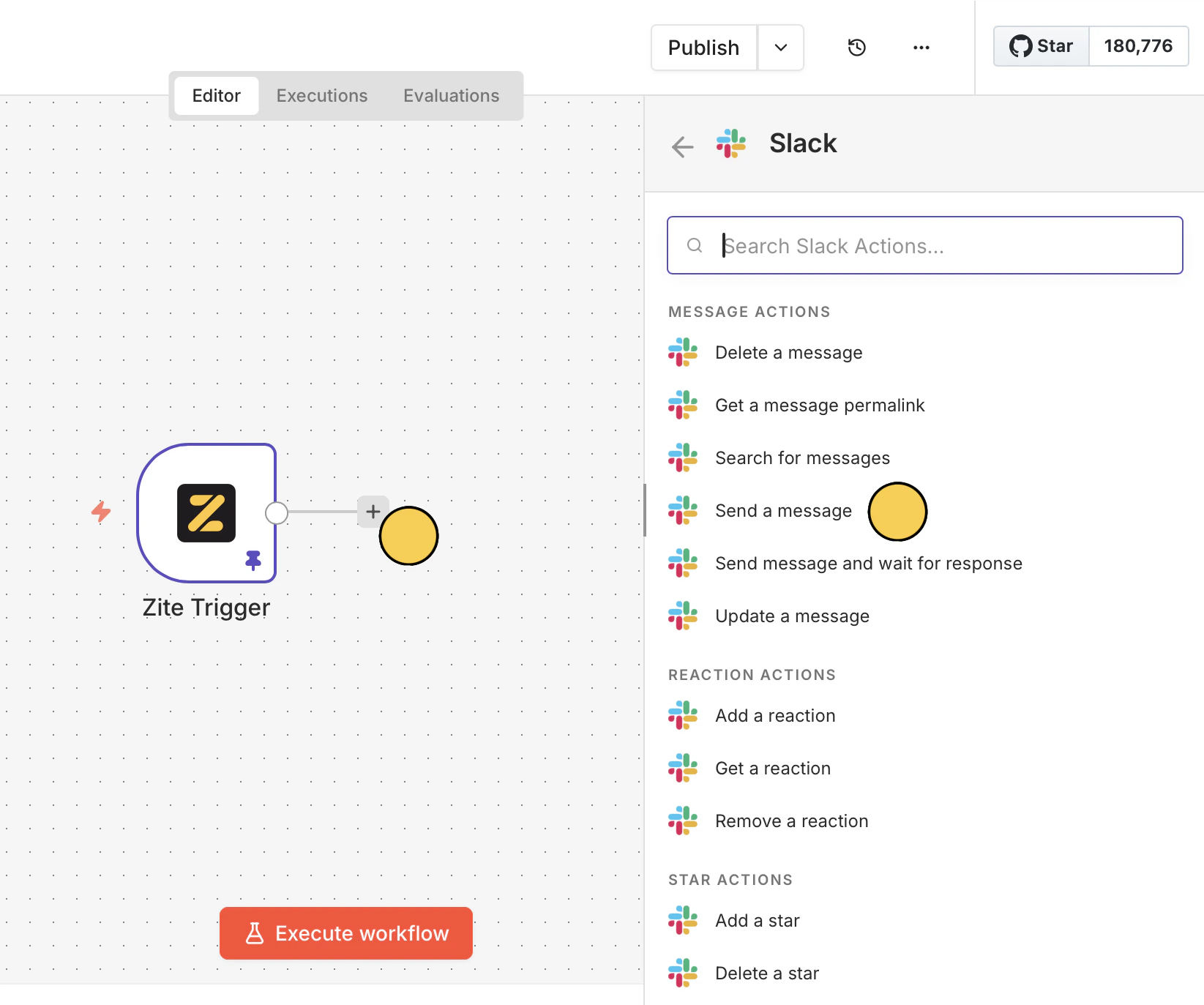
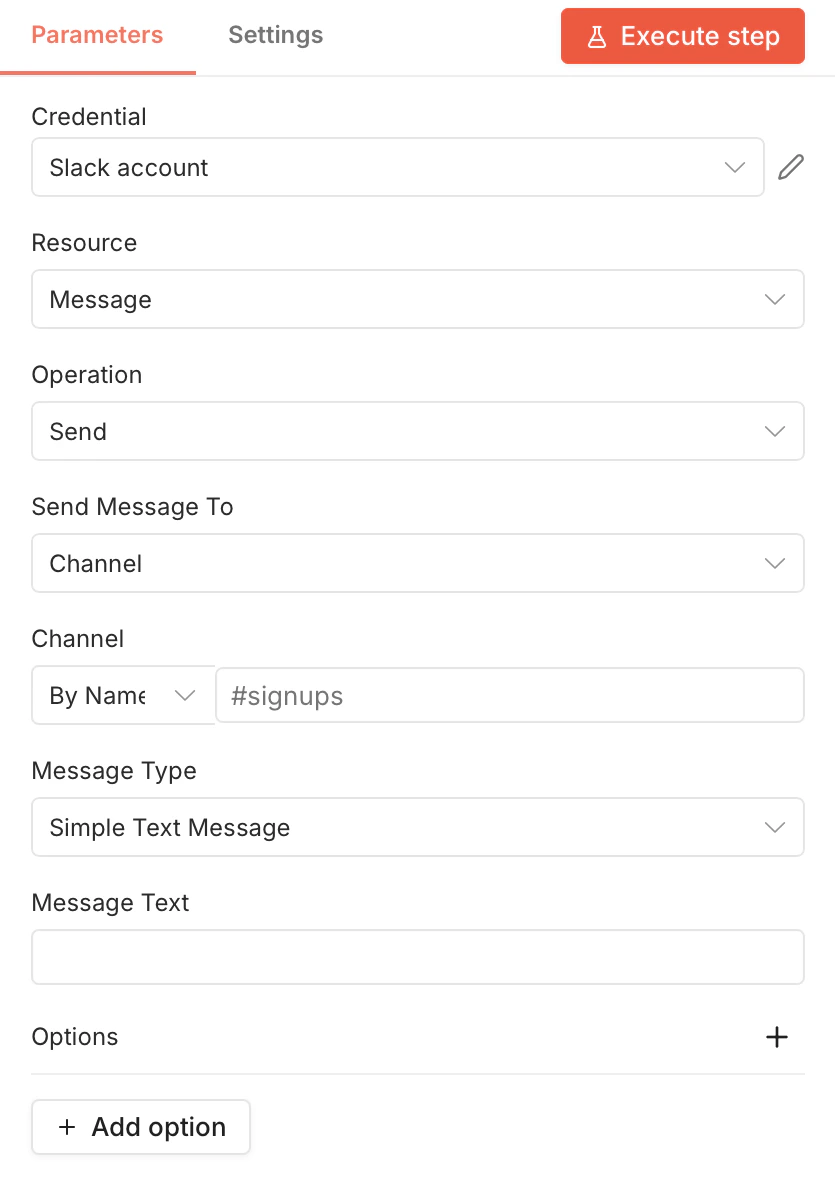
Send a message to Slack.Trigger
Start a workflow when something happens in Zite:| Trigger | Description |
|---|---|
| On new event | Fires when a new record is created in a table |
Actions
Do something in Zite from another app:| Action | Description |
|---|---|
| Get many records | Retrieve a list of records from a table |
| Get record by ID | Retrieve a record from a table |
| Get by record by field value | Retrieve a record by searching a field value |
| Create record | Create a new record |
| Update record | Update an existing record |
| Delete record | Delete a record permanently |
| Get many tables | Retrieve a list of tables from a base |
| Get table | Retrieve a table by ID or name |
Common use cases
- New record alert: Send a Slack message when a new record is created
- Form to database: Store form submissions from any platform in Zite
- Project sync: Update project management boards like Asana and Trello from Zite
- CRM update: Automatically create a Zite record when a new contact is added in your CRM
- Event import: Import Google Calendar events into Zite records
Related articles
Database Overview
Learn more about Zite Database.
Webhooks
Set up webhooks for real-time notifications.
API Reference
Use the Zite Database API.