

Overview
You can update your Zite database indirectly using forms, or by allowing others to submit data. This ensures your database stays accurate and up-to-date without giving direct access to your tables, reducing errors and maintaining security.Automatic column or field mapping
If you’ve already created columns in your Zite database and fields in Fillout forms before connecting them, Zite will automatically map matching fields (e.g., Name → Name, Contact Number → Phone Number).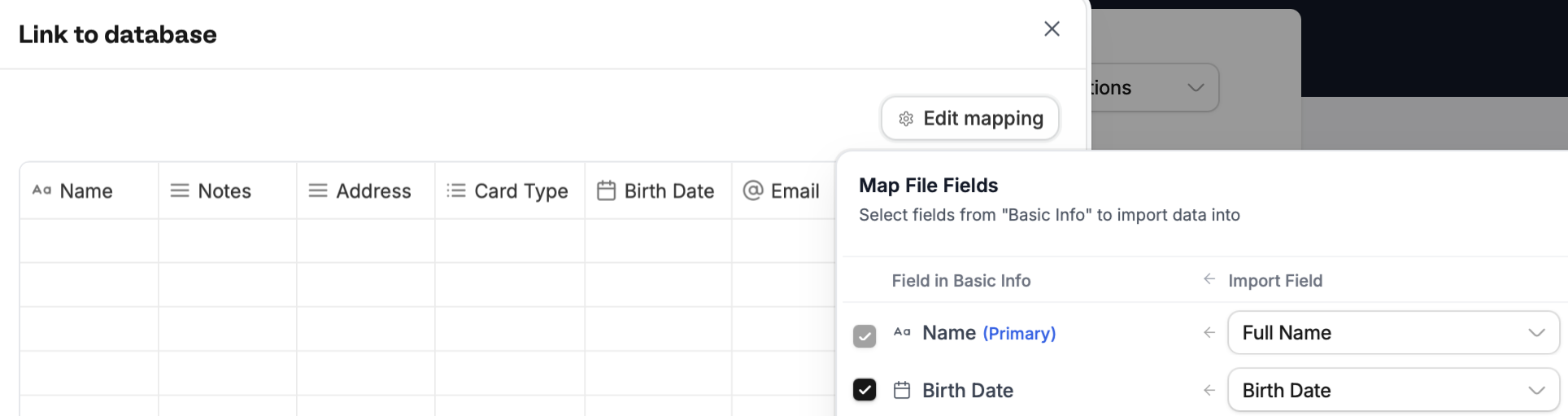
Select field in the dropdown. Then, Continue.
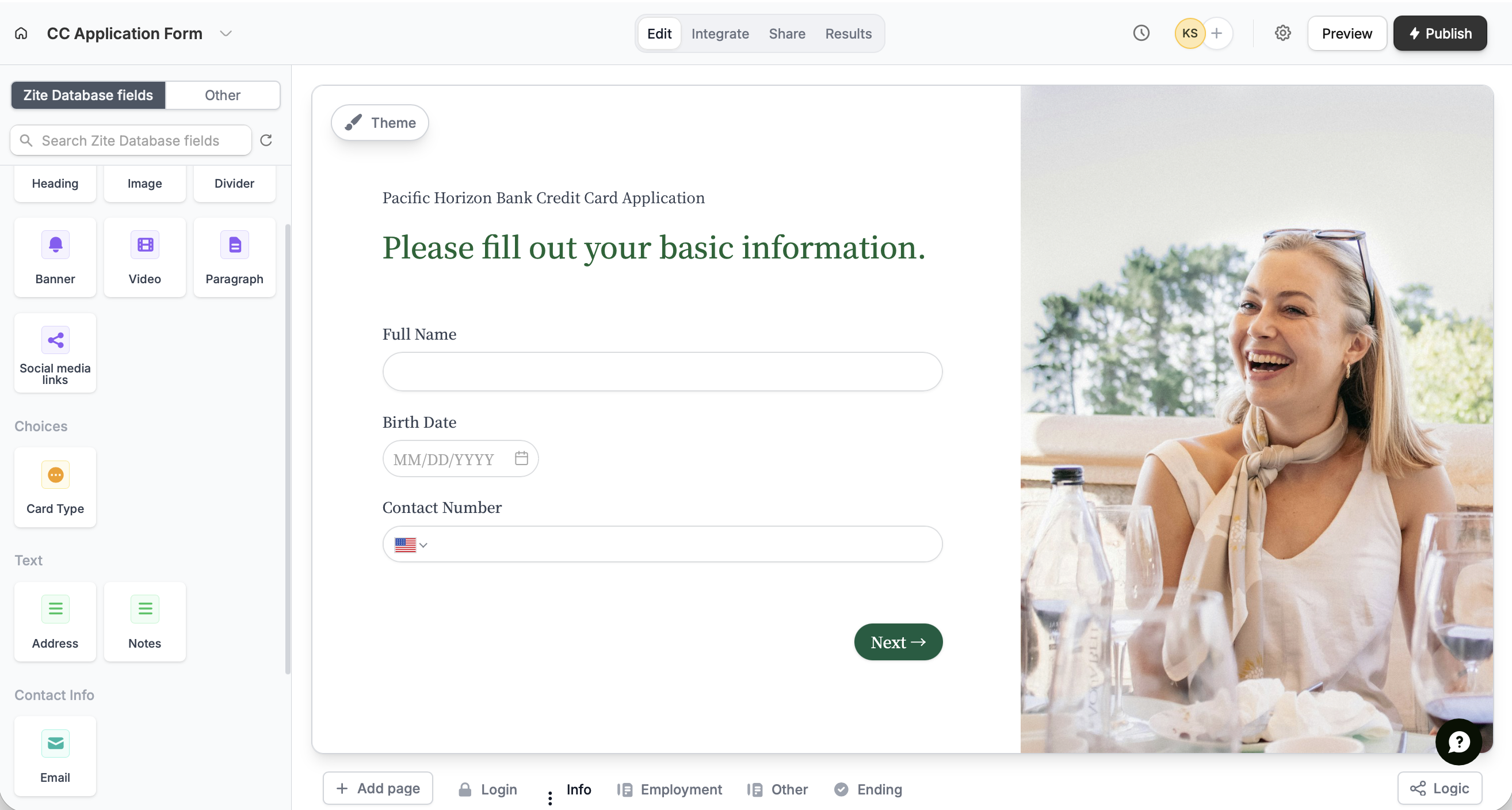
If you haven’t added form fields prior to connecting, Zite will pull in any columns or fields from your database and turn them into form fields. These connected fields appear in the left-hand panel, ready to be dragged and dropped into your form.
Map columns or fields manually
To map fields or columns added after the connection was made, follow the steps here. You can even change existing mapping and update options.Related articles
Map fields
Configure form fields and values to send to integrations.