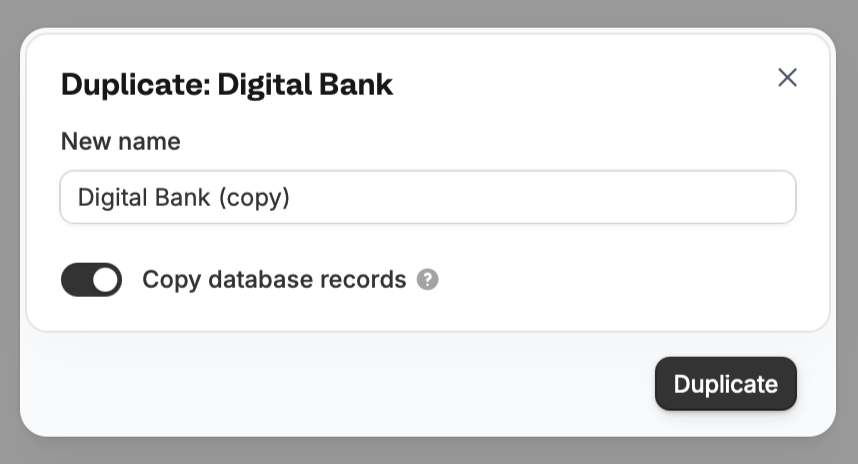
Overview
Duplicating tables or database is useful if you have several rows and columns to copy or if you’d like to use it as a template. The latter is ideal for users who manage multiple clients but have the same use case across (e.g., KYC and expense trackers are used by Client A and B).Duplicate a table in the same database
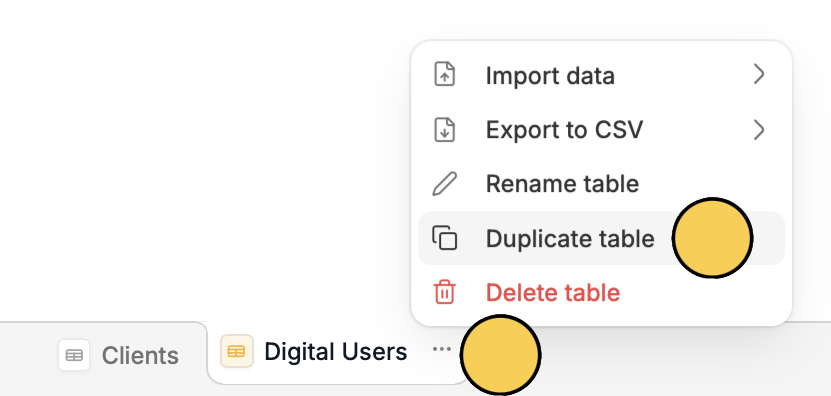
Navigate to the table you’d like to duplicate. Click followed byDuplicate table.
Copy a table to another database
Click followed byExport to CSV.
Duplicate an entire database
From your dashboard, hover over the database you’d like to duplicate, then click followed byDuplicate.
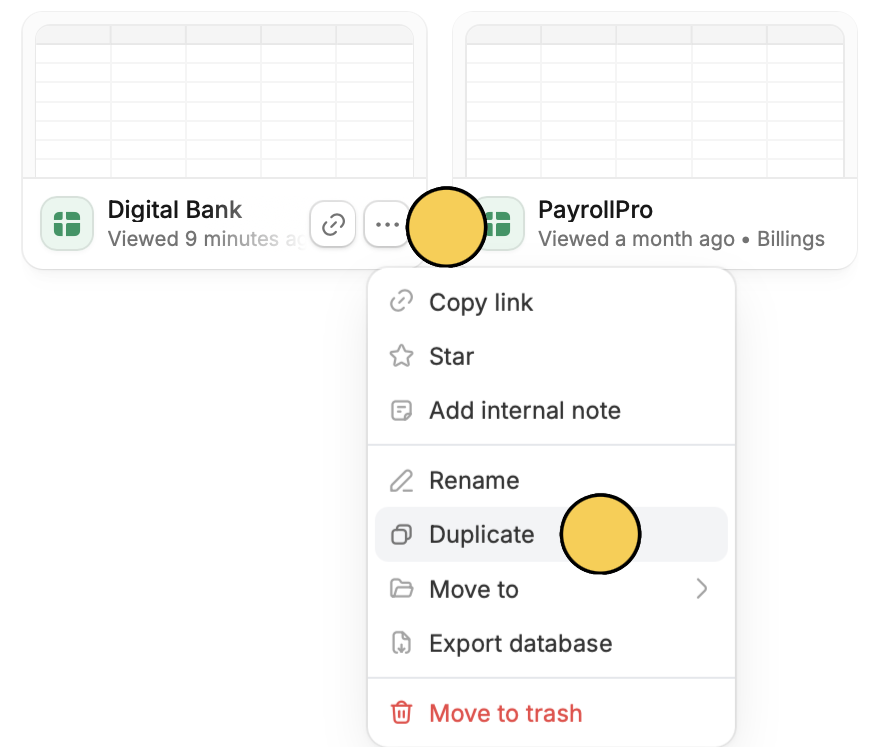
Copy database records. You can also enter a new name or rename it later on.